Every plan comes with your own company AI, from day one. See what it does

Every request finds its approver

Nobody has to chase a decision. Leave, shift changes and lateness each follow their own route, and approvers see only what is theirs to decide.

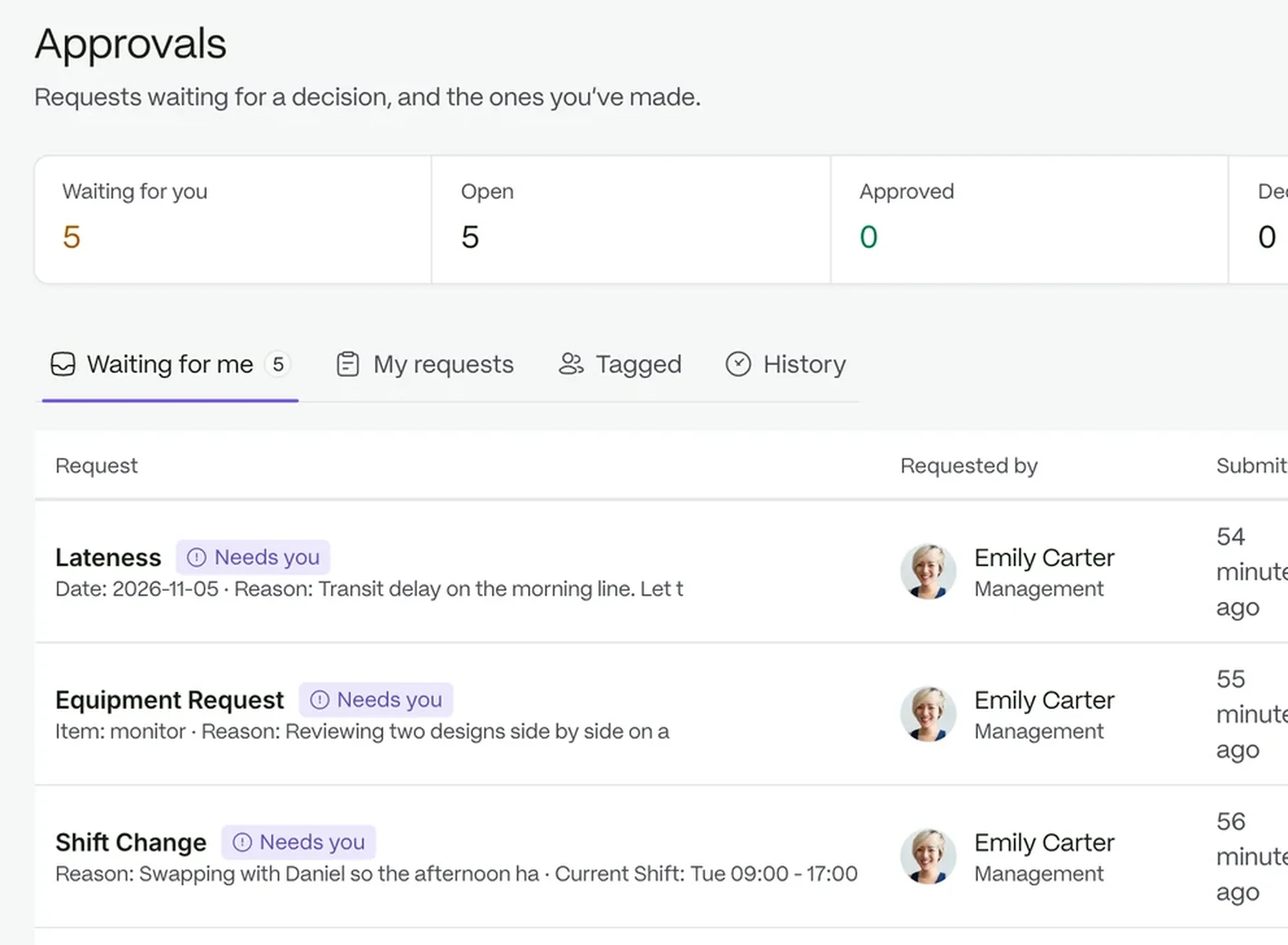
The approvals queue with counters for waiting, open and decided requests, and a request with its approve and reject buttons

Ask once. Nobody has to chase.

  1. 01

    Pick a request type

    Each type has its own form, so people are asked only for what that request needs.

  2. 02

    It reaches the right person

    The request goes to the first approver, then the next, with a clock on every step.

  3. 03

    Decide and move on

    Approve or reject with a note. The requester sees the result and the record keeps it.

The right form for every request

People are asked only for what a request needs. Fourteen request types ship ready to use, grouped under Attendance, Leave and Shift, and required fields are checked before anything is sent.

  • Leave: annual, sick, bereavement, maternity, paternity and more
  • Shift: change, schedule adjustment and location change
  • Attendance: lateness and early departure
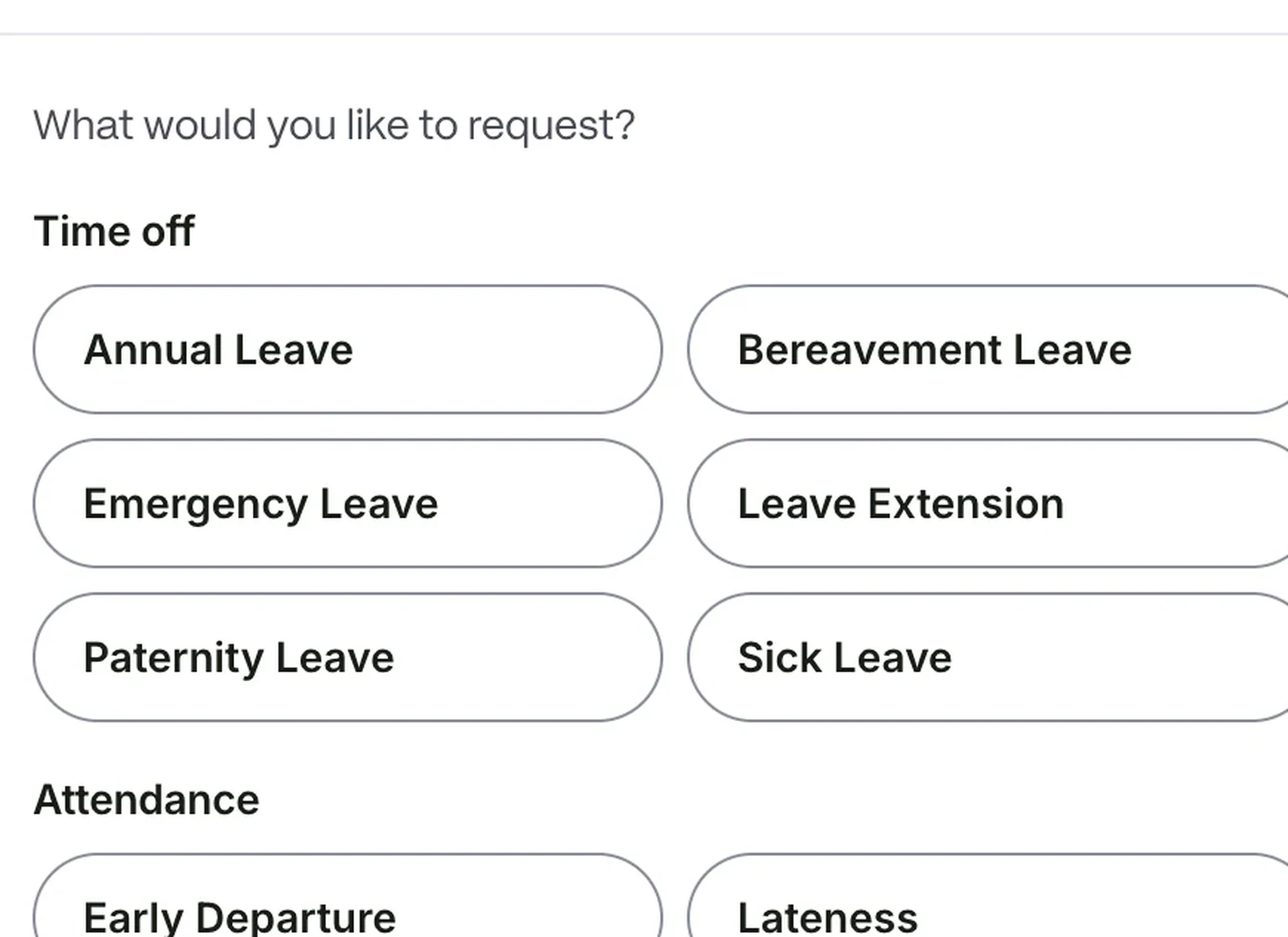
The new request dialog on a tablet, with a shift change form filled in

Requests keep moving when someone is away

You choose who decides: a step can name a role, a department, or one person. The default route is Team Lead, then Department Admin, and a Department Admin can act on a Team Lead step.

  • Rules can approve, skip a stage or escalate after a set number of hours
  • Each step has target hours and escalation hours
  • Steps show Approved, Rejected, Awaiting review or Pending
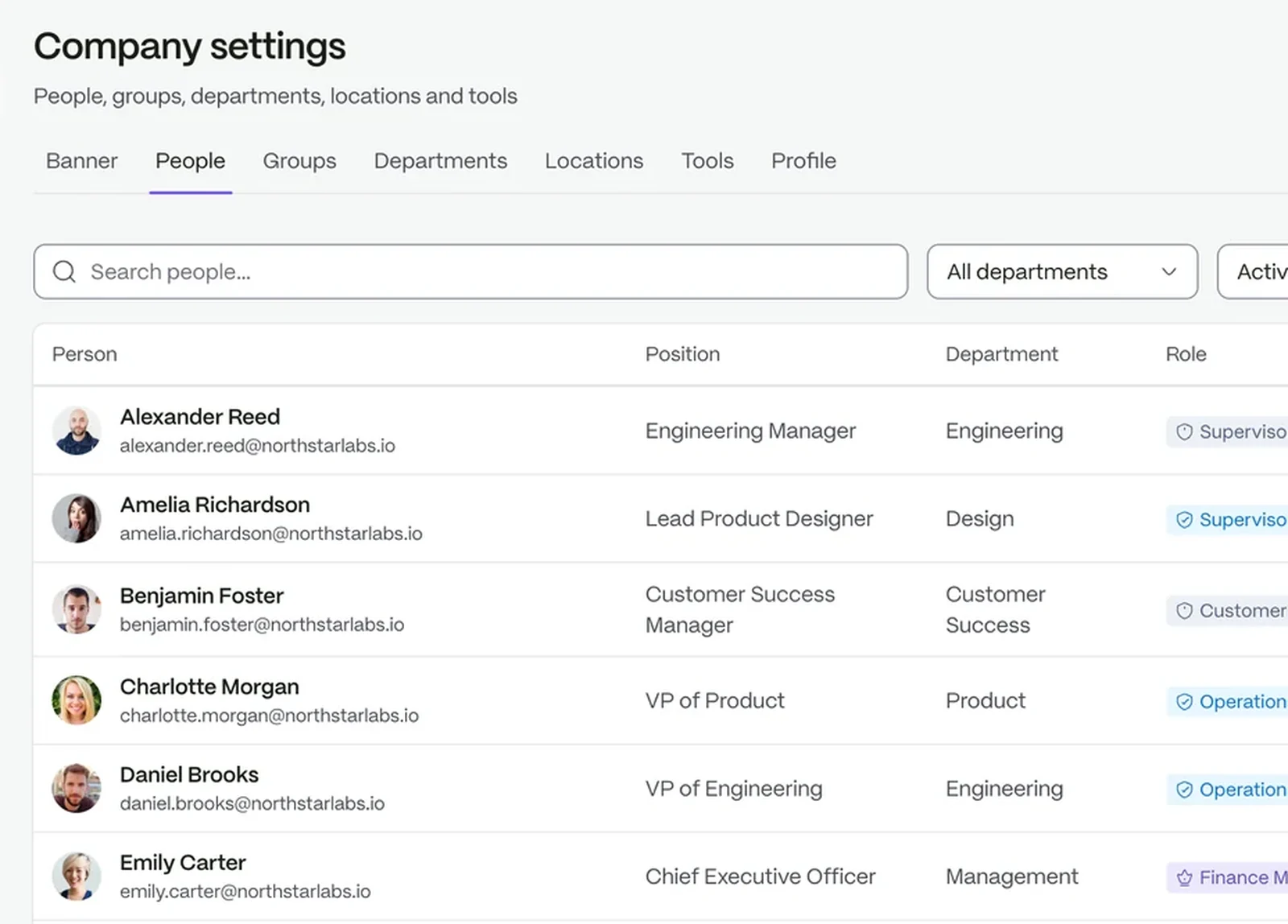
Company settings: every person with their position, department and the role that scopes what they can see

A to-do list, not a noticeboard

Approvals opens on Pending. Only the requests that wait on you carry the Action needed label, so you know what is yours.

  • Pending, My Requests and History in one place
  • Comments and decision notes stay on the request
  • Withdraw a request while it is still pending
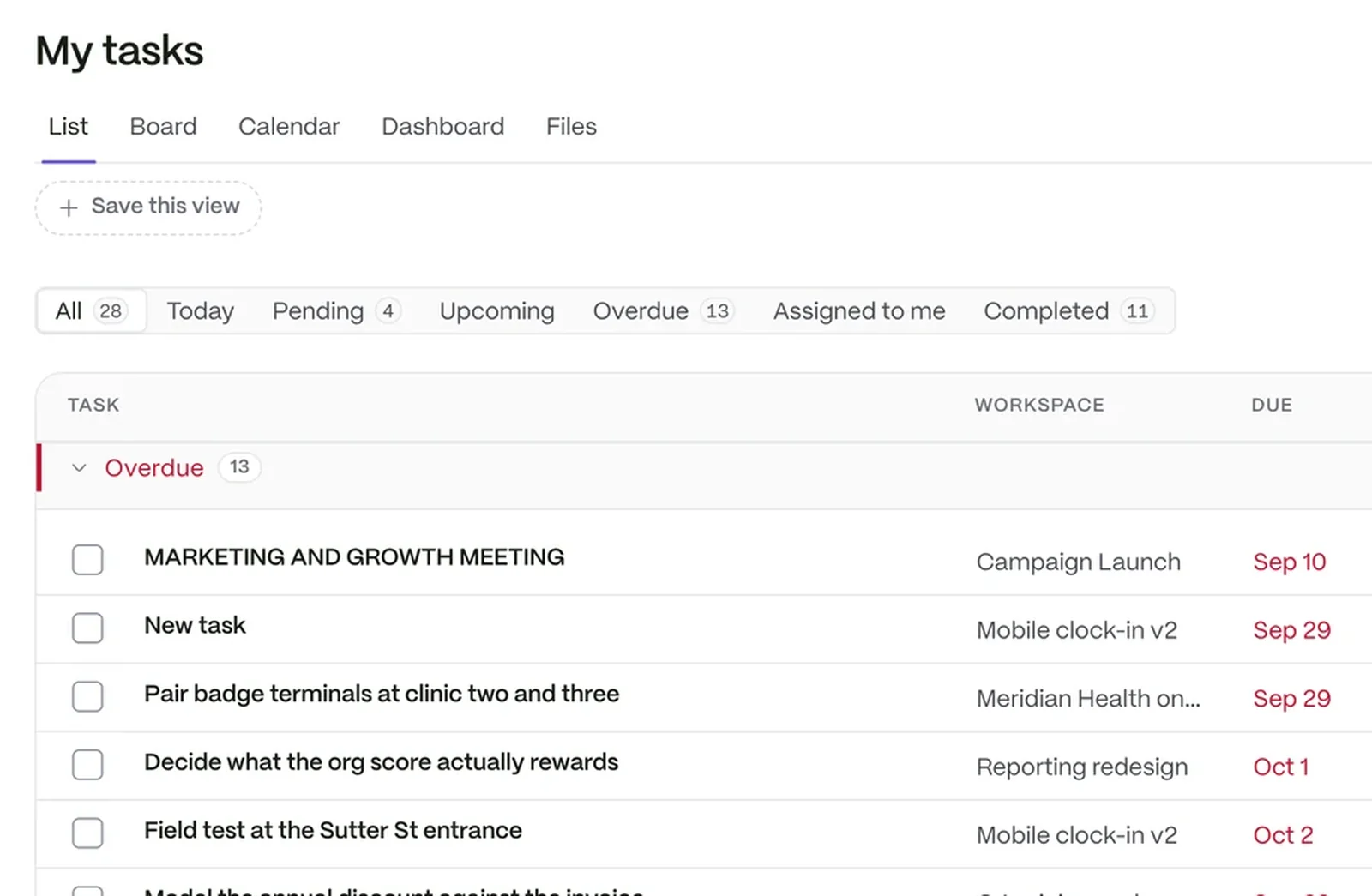
A task list showing each task’s workspace, due date, priority and who it is assigned to

Build the forms your team fills in

Twelve form templates ship, from a new hire form to an incident report. Build your own from twenty-nine question types.

  • Pickers for people, departments, locations and roles
  • Aim a form at everyone, a team or named people
  • Draft first, publish when it is right
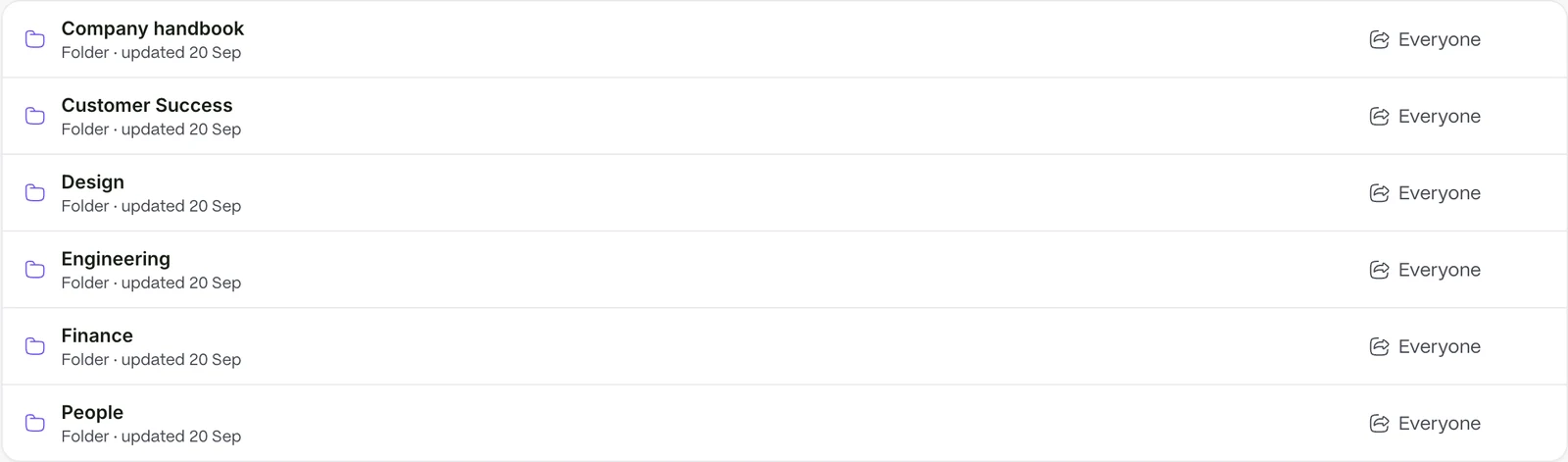
The documents library, where forms and policies sit beside each other

Ask what is waiting on you

Your company AI tells you what needs you and what the policy says, from your own documents.

Questions people ask

Can we change who approves a request?

Yes. Every type can have its own chain, naming a role, a department or a person.

What if an approver is away?

A Department Admin can act on a Team Lead step, and a rule can escalate a request after a set number of hours.

Can people see where their request is?

Yes. My Requests shows the stage and status of everything you raised.

The workspace your people will love to use.

Try it with your own team. Your own company AI comes with every plan.