One board for joiners, movers and leavers
See who is joining, who needs attention and who is leaving, on one board. Offboarding waits until company devices come back.
- Tasks due on Day 1, Week 1 or a date you set
- Owners named on every task
Every plan comes with your own company AI, from day one. See what it does
People spend less time asking where things are. Records, onboarding, documents and requests live together.
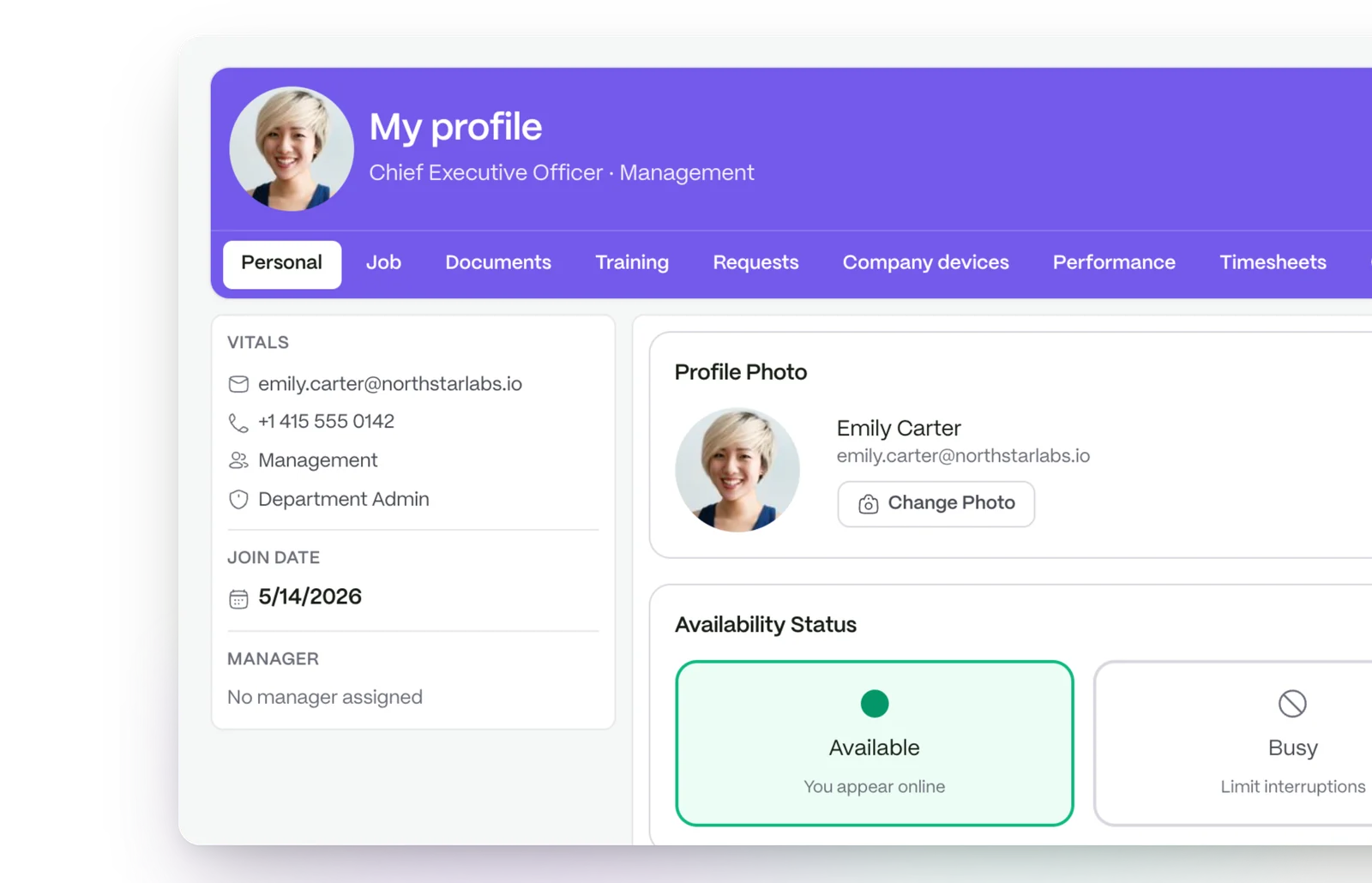
You are in control of who gets in. An intake gathers a new hire’s details, and nobody gets a login until you confirm the hire.
Everyone knows their part. Each onboarding task names its owner, such as HR, the manager, IT or the new person.
Changes of role, team and manager land on the record, with documents beside them.
See who is joining, who needs attention and who is leaving, on one board. Offboarding waits until company devices come back.
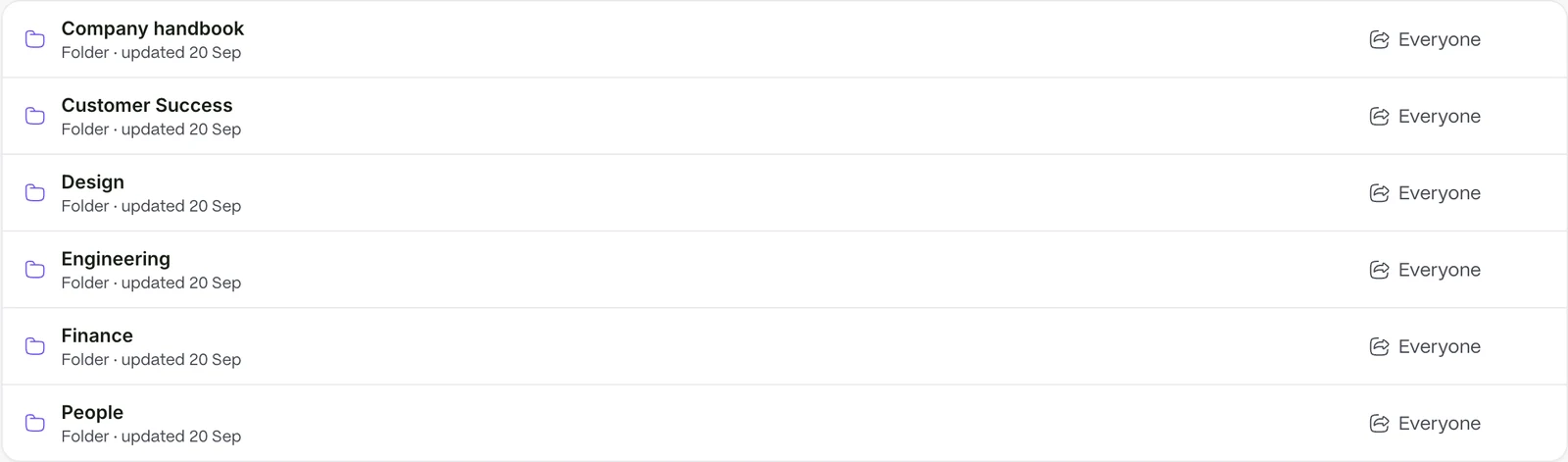
Stop being the search engine. Handbooks and policies live in one library people can search, and contracts sit on the record they belong to.
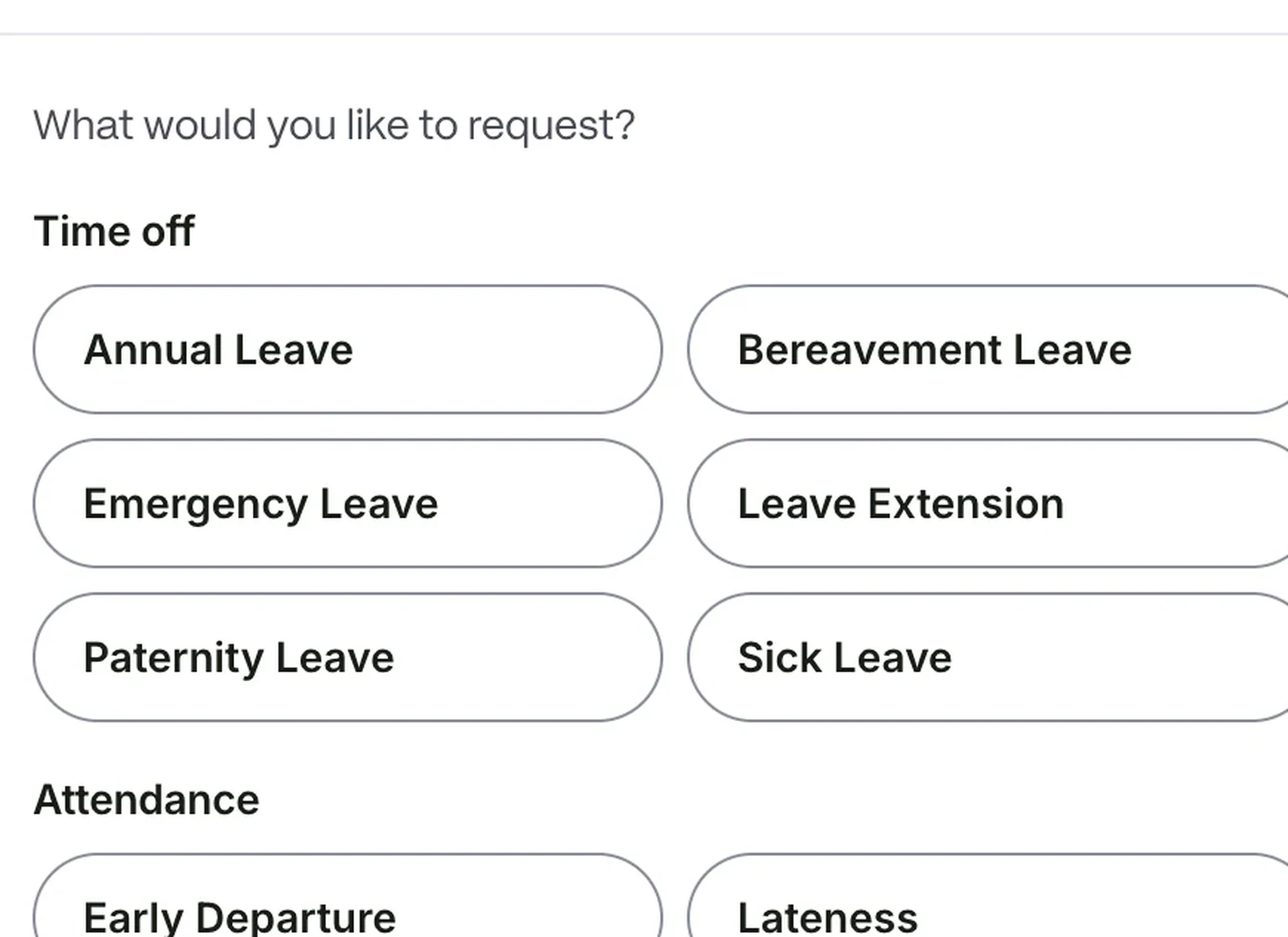
Requests reach the right approver without you passing them on. Annual, sick, maternity, paternity and other leave types are covered, and a request can be withdrawn while pending.
People see only what they should. The permission someone holds decides which fields on a record they can see or change.
See security and permissions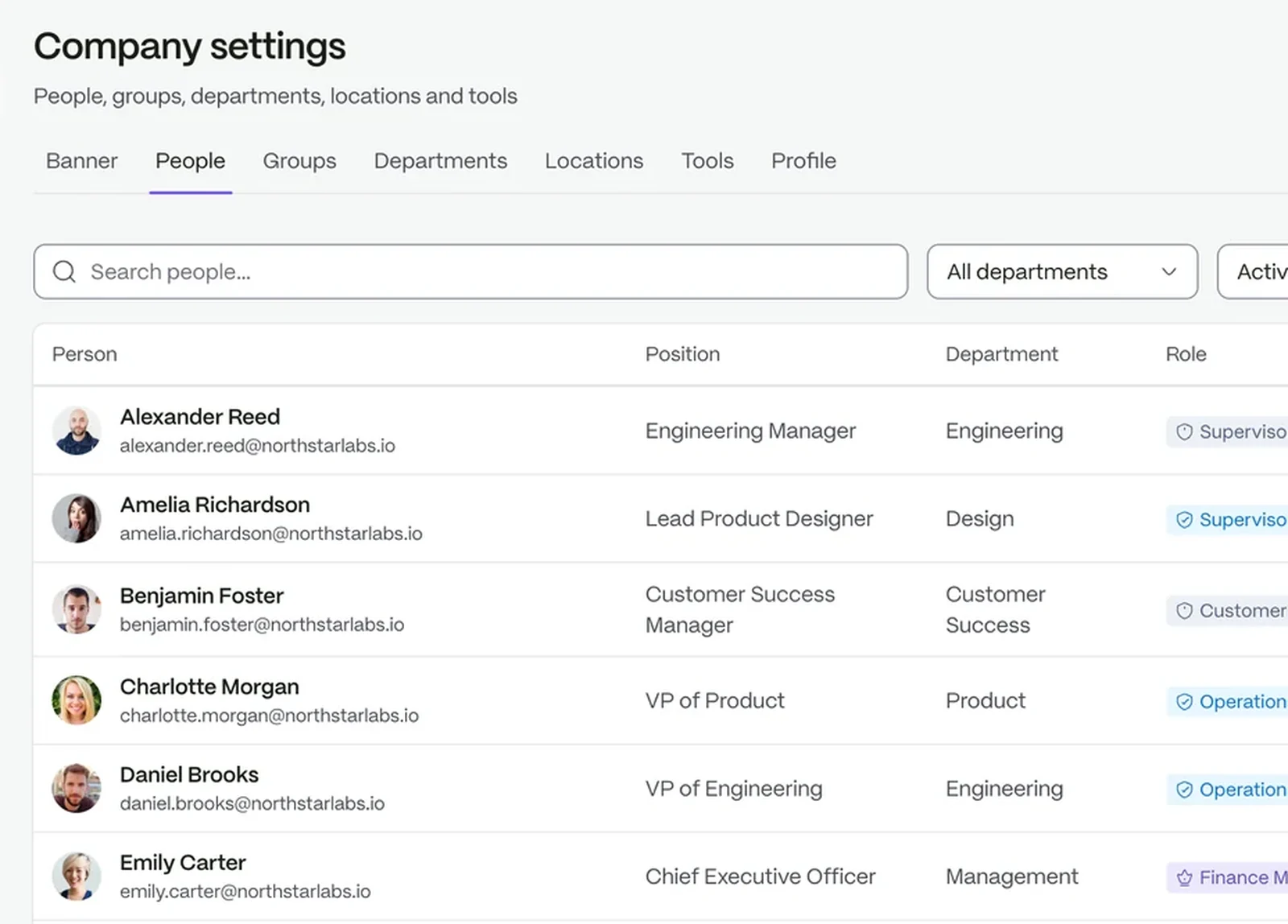
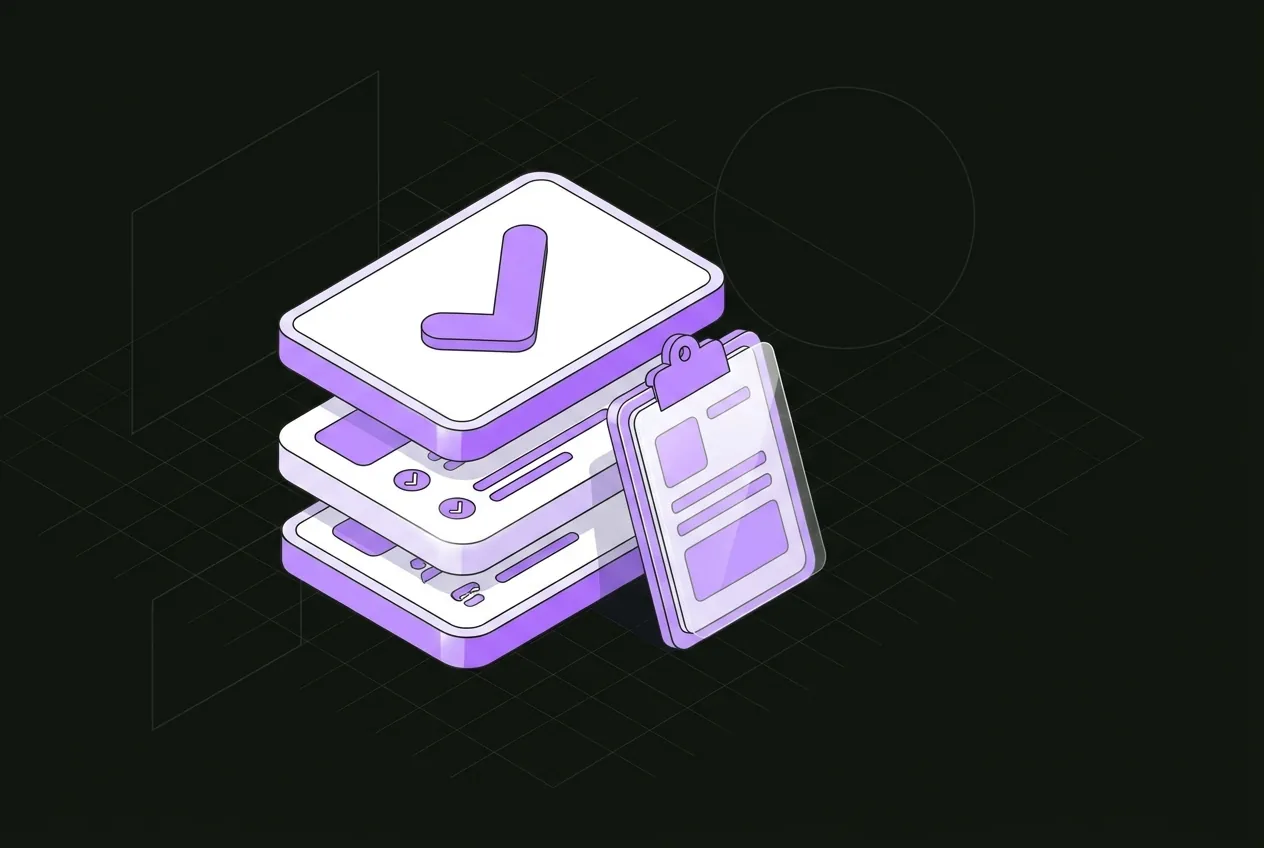
A clear checklist tells every new hire, and everyone helping them, what to do and when.
Yes. Departments, locations, employment types and record fields are set up around your business.
Only if their role allows it. Access is scoped by role.
No. Payroll preparation closes pay periods on approved hours and exports a file for your provider.
Try it with your own team. Your own company AI comes with every plan.