Policies everyone can find
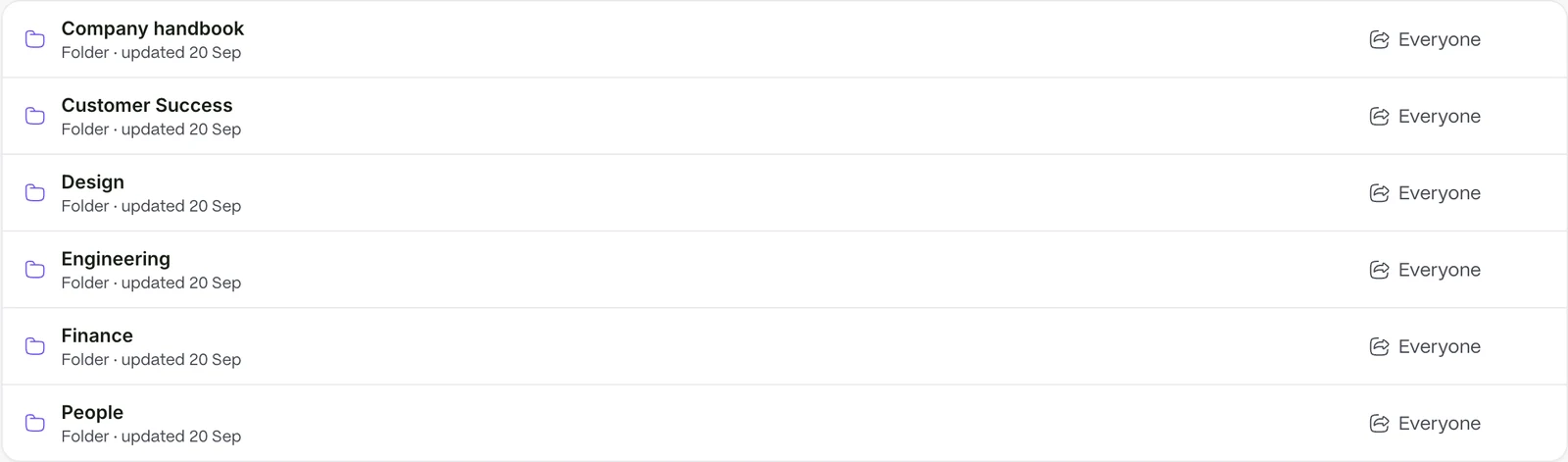
Nobody has to ask where a policy is. Policies and handbooks live in a library staff can search, and documents sit on the record they belong to.
- Filter by category and tag
- Pin the files people need most
Every plan comes with your own company AI, from day one. See what it does
Your people spend their time on the people they care for. Staff records, hours, requests and issues are in one place.
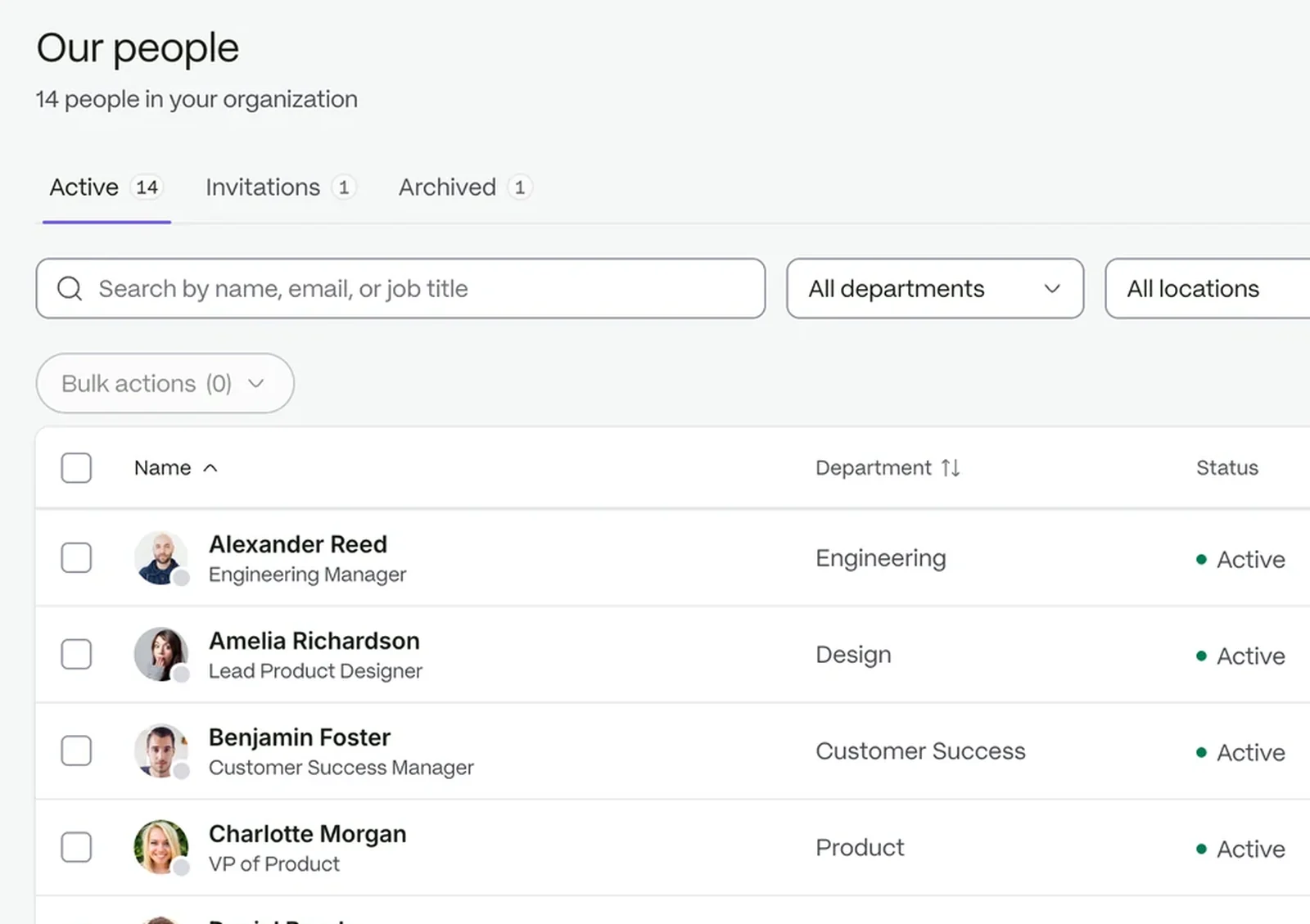
Every person gets a record with their role, team and location.
Documents sit on each record, and policies live in one library.
Hours, requests and issues all get an owner and an answer.
Nobody has to ask where a policy is. Policies and handbooks live in a library staff can search, and documents sit on the record they belong to.
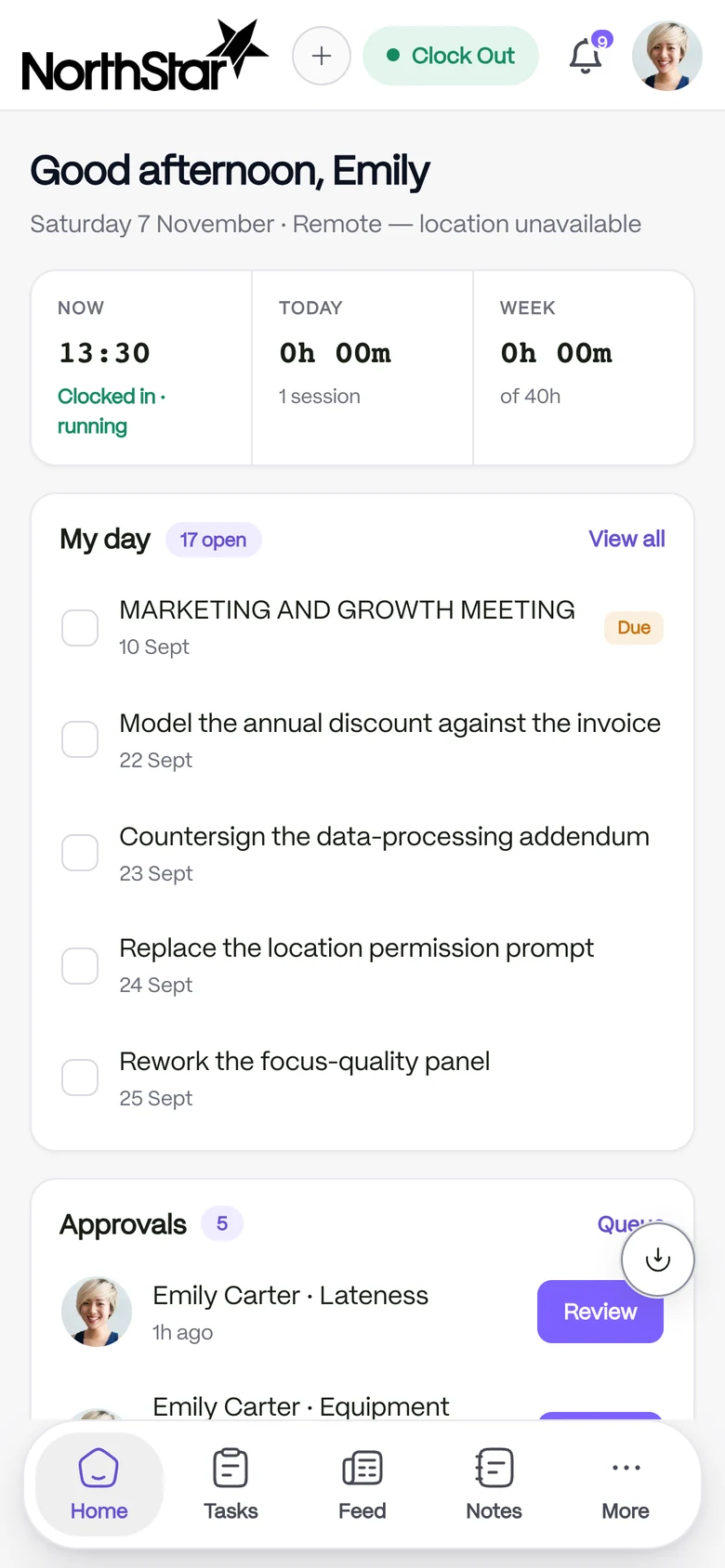
Know who is on site. Staff clock in from a phone, each location has its own coordinates and radius, and every event keeps its location and device.
Nothing slips. Raise a case with a number, a category and a priority, assign it, and follow it until it closes.
 People and recordsOne record for every person, from offer to every change of role.
 Time and attendanceClock-ins become timesheets your managers can approve.Case managementTrack issues from first report to a clear close.
 CommunicationAnnouncements, chat and notes that reach the right people.
 Requests and approvalsEvery request finds its approver, without anyone chasing it.
Roles decide who can view or change each record, and the audit trail shows what changed.
StaffIntra is for running your team: people, hours, requests, documents and cases. Keep clinical records in your clinical system.
Only as far as their role allows. Access is scoped by role.
Yes. Locations are part of your setup, and permissions can be scoped to a location.
Try it with your own team. Your own company AI comes with every plan.