Regular, overtime and break, kept apart
No more adding up hours by hand. Timesheets total each category for the week, with payroll add-ons on the same record.
- Generated from clock events
- Corrected entries keep the original time
Every plan comes with your own company AI, from day one. See what it does
The hours are already logged when the shift ends, and the whole team hears about changes the same hour. Clock-ins, breaks and overtime are recorded as they happen.
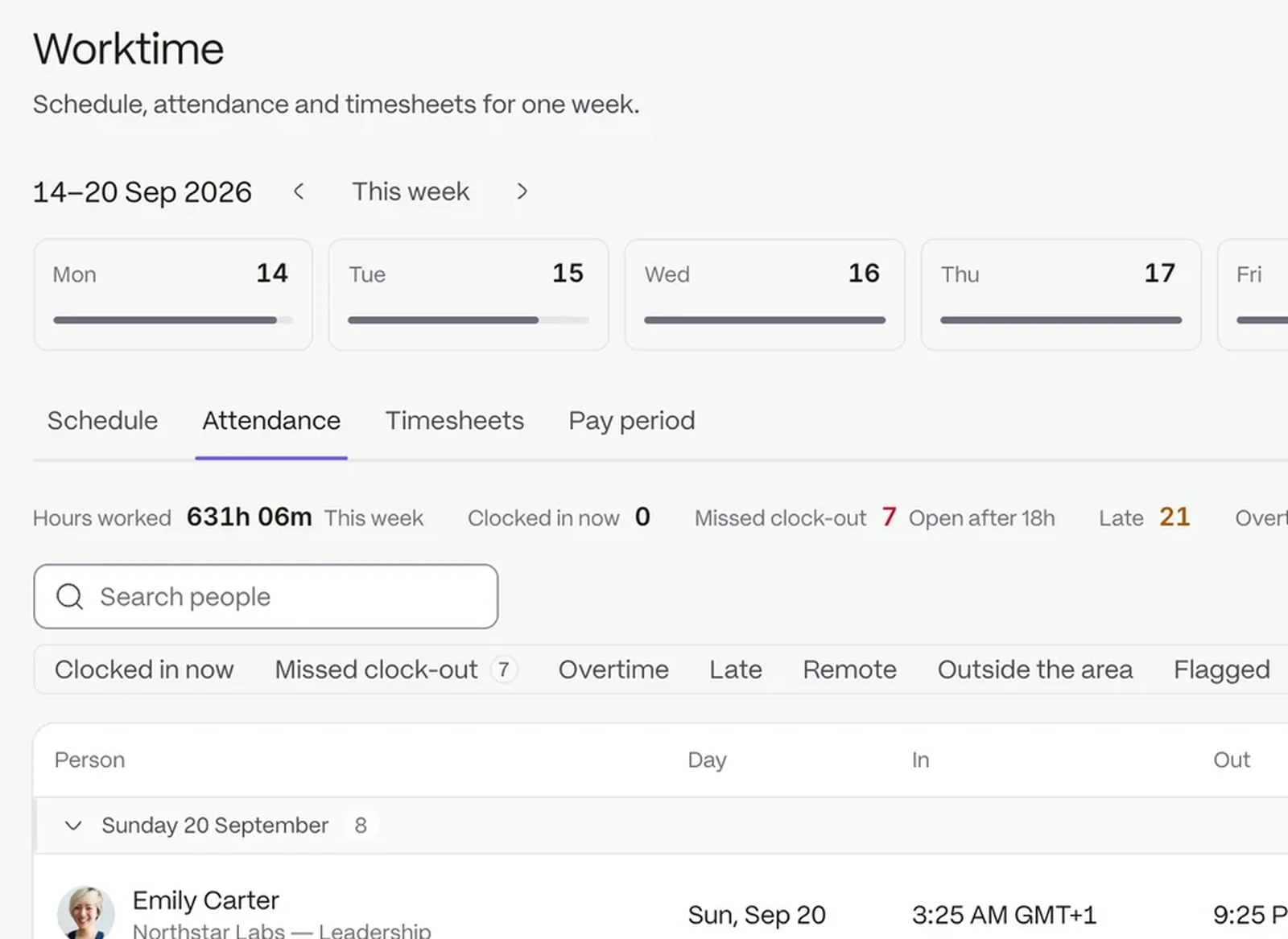
Staff clock in on their phones, at your venue.
Regular hours, overtime and break minutes land in the week’s totals on their own.
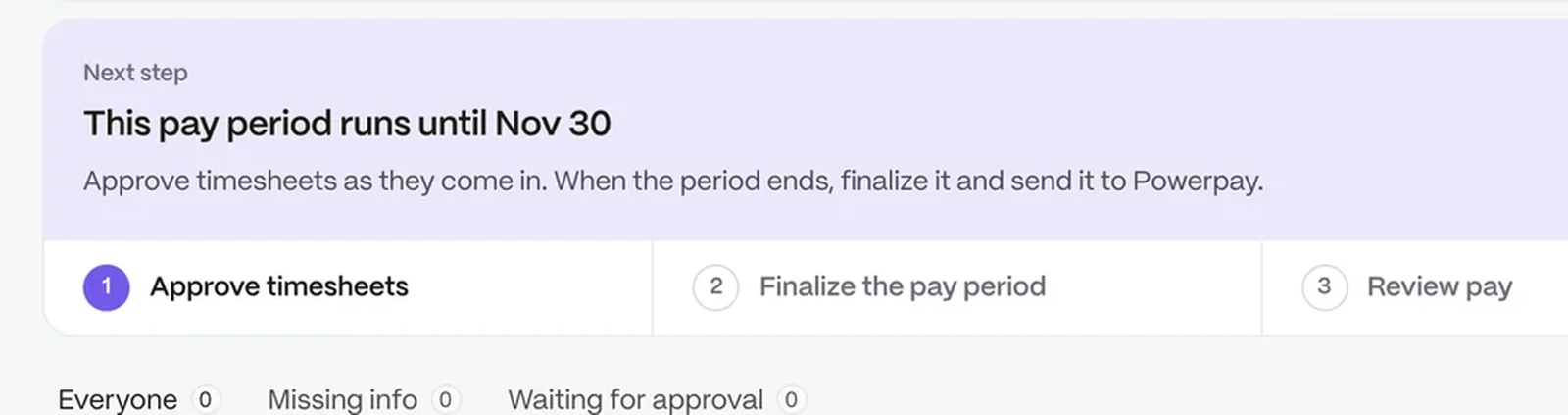
Approved hours become a file for your payroll provider.
No more adding up hours by hand. Timesheets total each category for the week, with payroll add-ons on the same record.
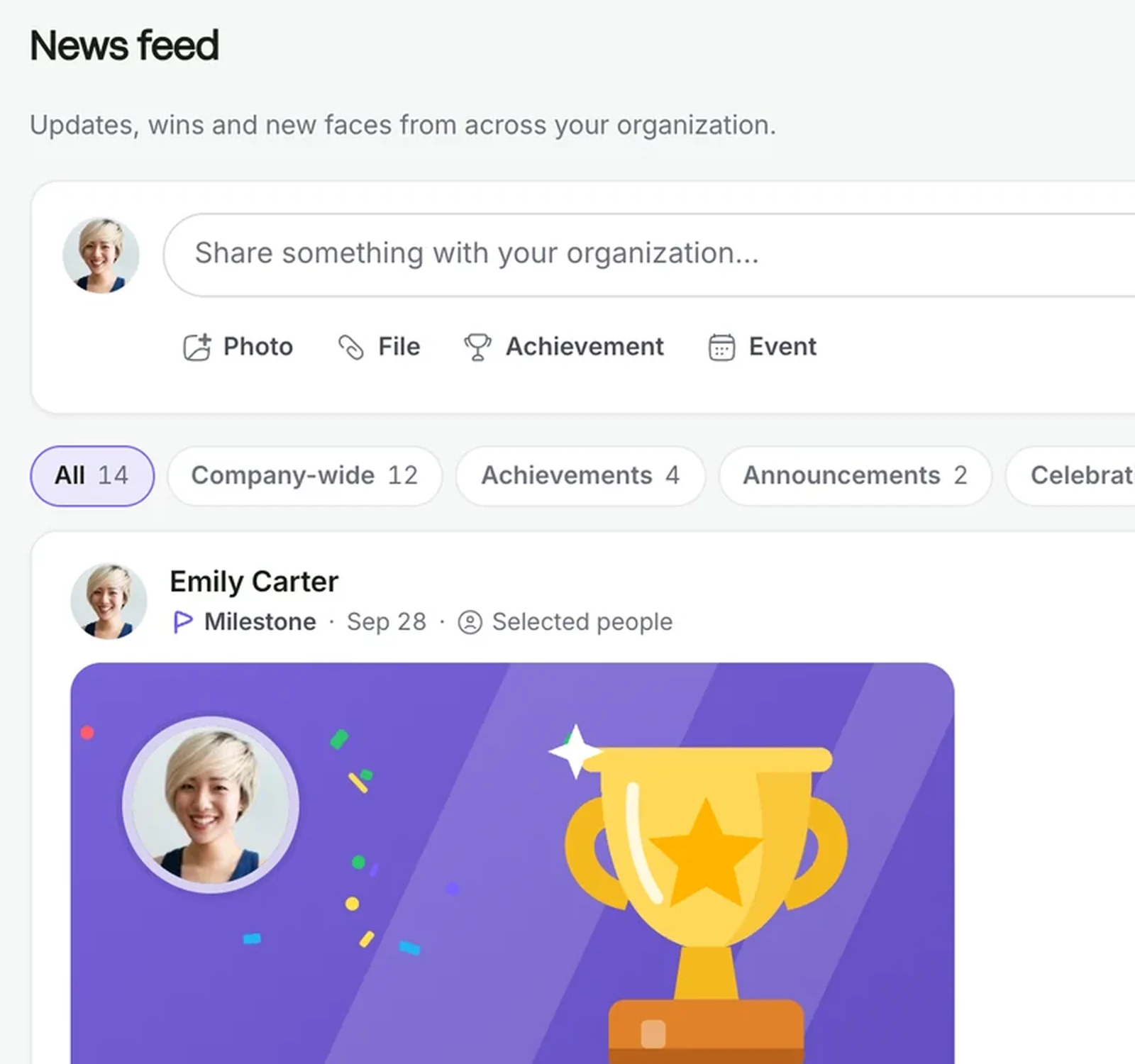
The right people know before service. Post a change of menu, rota or briefing to the people who work that day, and set when it should stop showing.
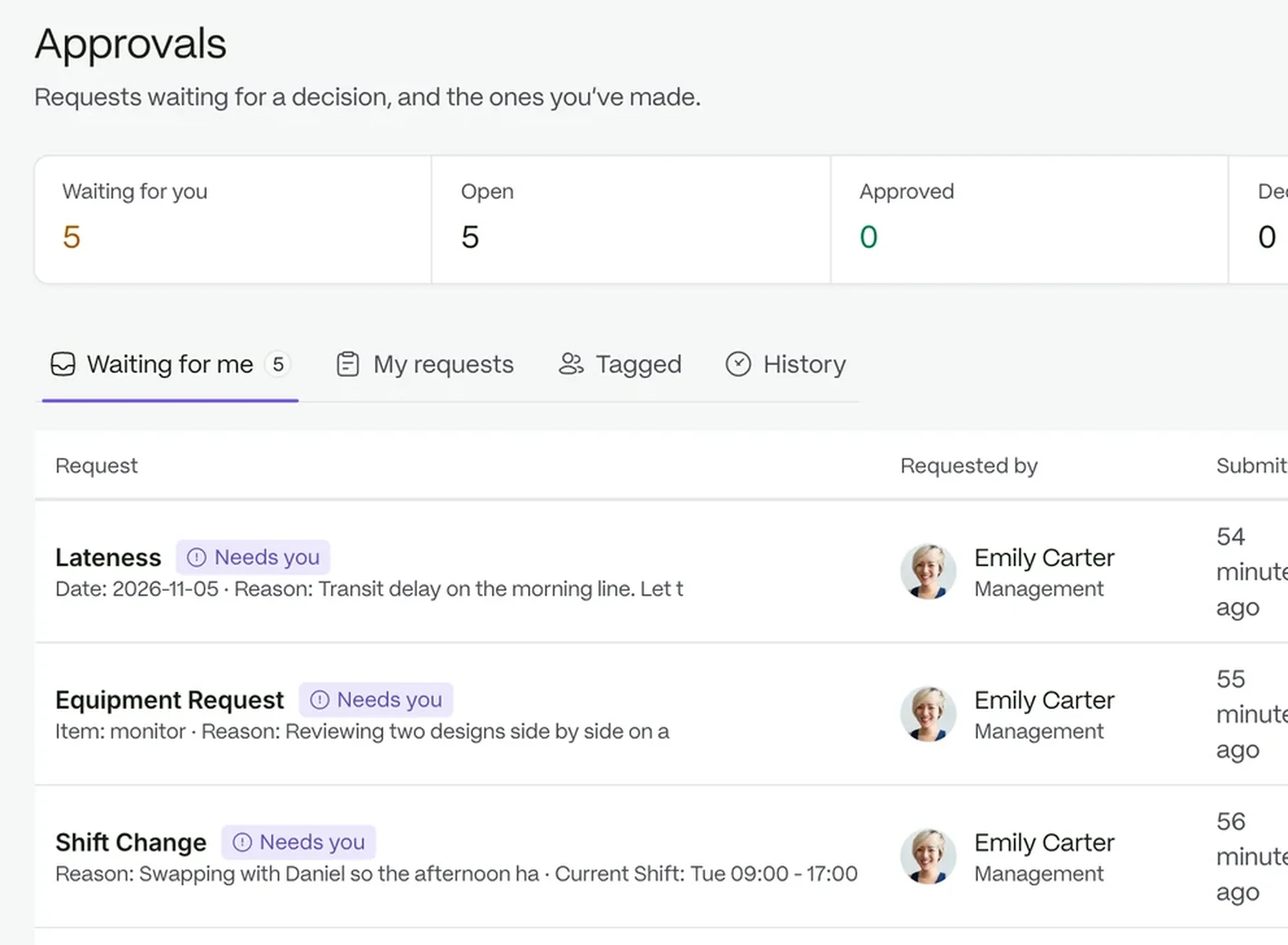
Nobody is left wondering. Leave, shift change and schedule adjustment requests go to a manager, with a note on the decision if needed.
 Time and attendanceClock-ins become timesheets your managers can approve.
 CommunicationAnnouncements, chat and notes that reach the right people.
 Requests and approvalsEvery request finds its approver, without anyone chasing it.
 Payroll preparationClose each pay period on approved hours, ready for your provider.
 People and recordsOne record for every person, from offer to every change of role.
Your company AI answers from your own documents, so staff find the answer without asking the manager.
Not as a scheduling tool today. It records hours, requests and announcements around the shifts you run.
Yes. Invite them and give them the role they need.
Yes. Each venue can be a location with its own radius.
Try it with your own team. Your own company AI comes with every plan.