A board for every site
Tell at a glance whether someone clocked in at the site they belong to. Each site has its own coordinates and radius.
- Punches from registered terminals are signed
- See the rule, location, IP address and device behind each one
Every plan comes with your own company AI, from day one. See what it does
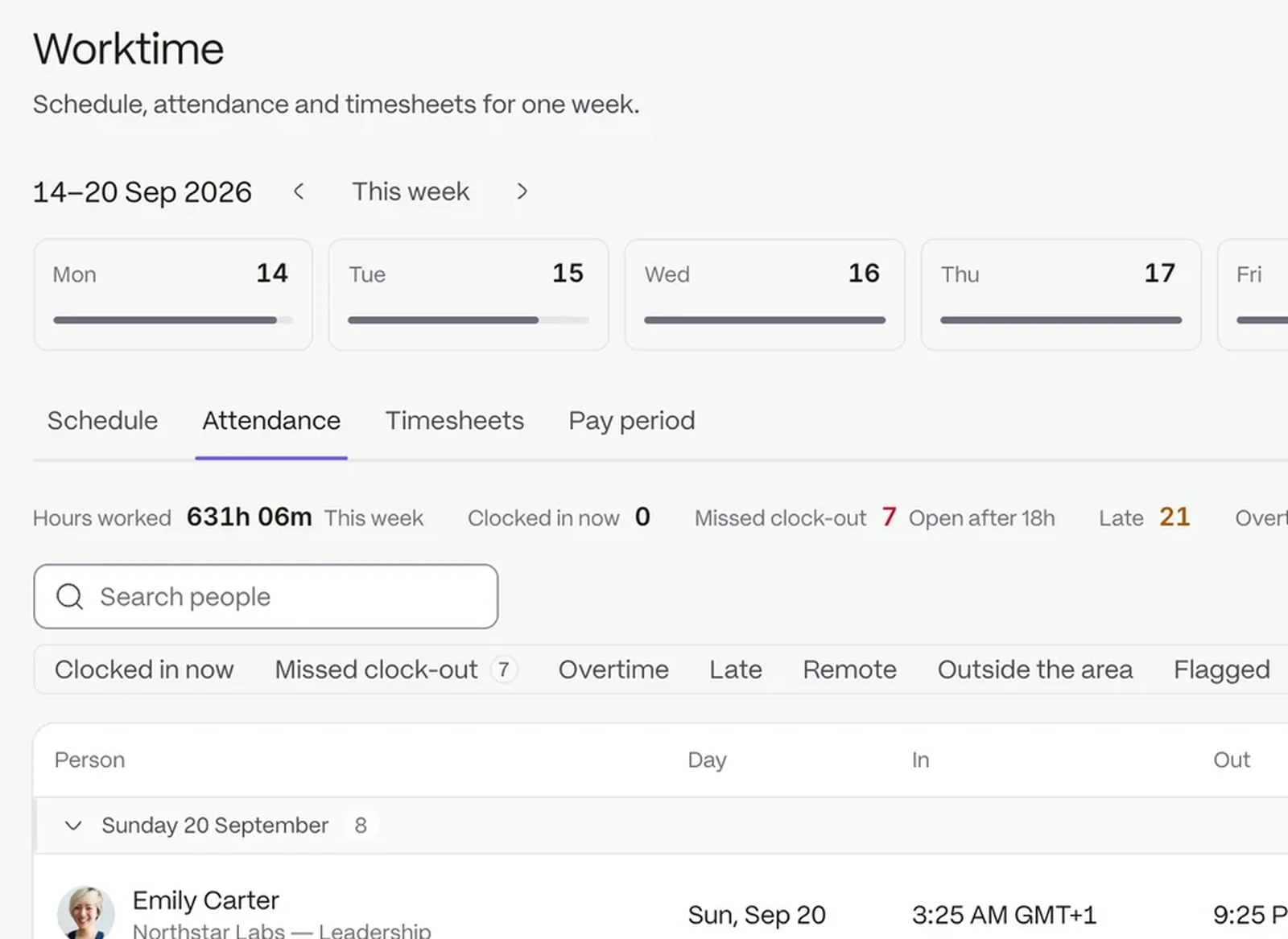
Every clock-in from a phone or an on-site terminal lands on one board, and every problem has someone who owns it.
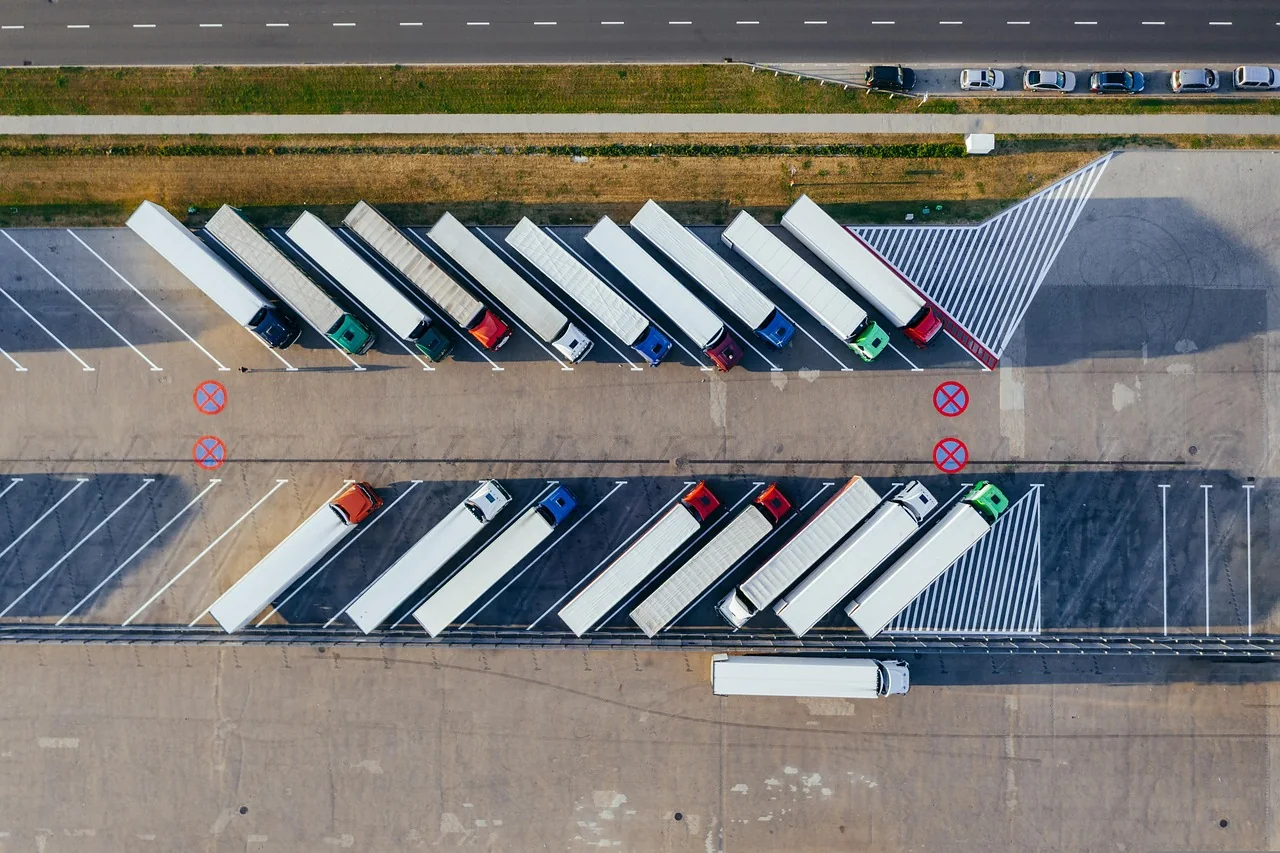
Staff clock in by phone, or a terminal sends signed punches for a named person.
Late starts and early finishes wait for a manager’s decision.
Log an incident as a case with a priority and an owner.
Tell at a glance whether someone clocked in at the site they belong to. Each site has its own coordinates and radius.
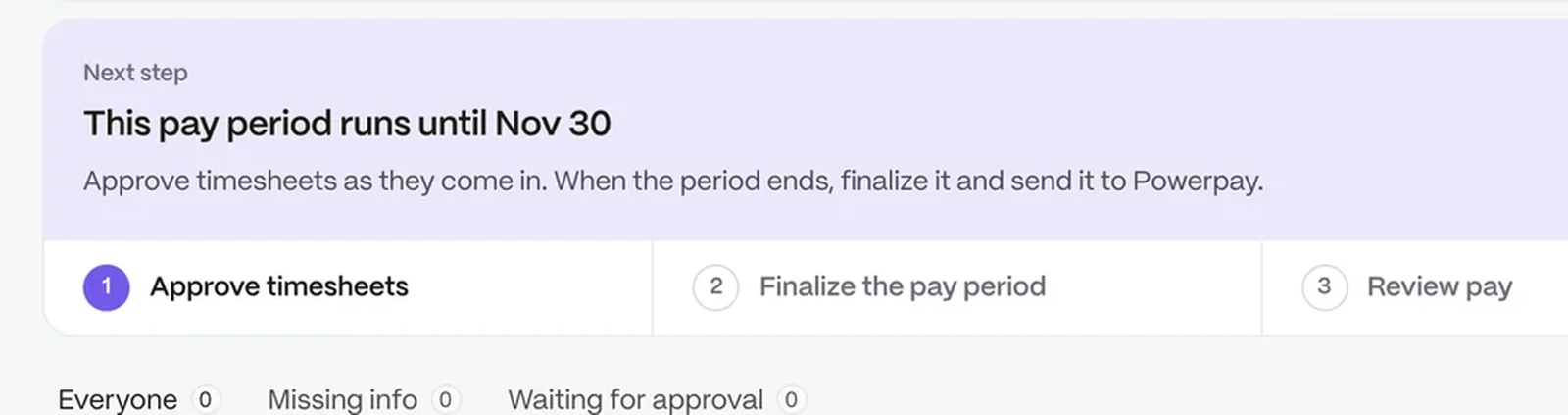
Settle a timesheet question by looking at what was recorded. Filter by person and date, with corrections shown beside the original times.
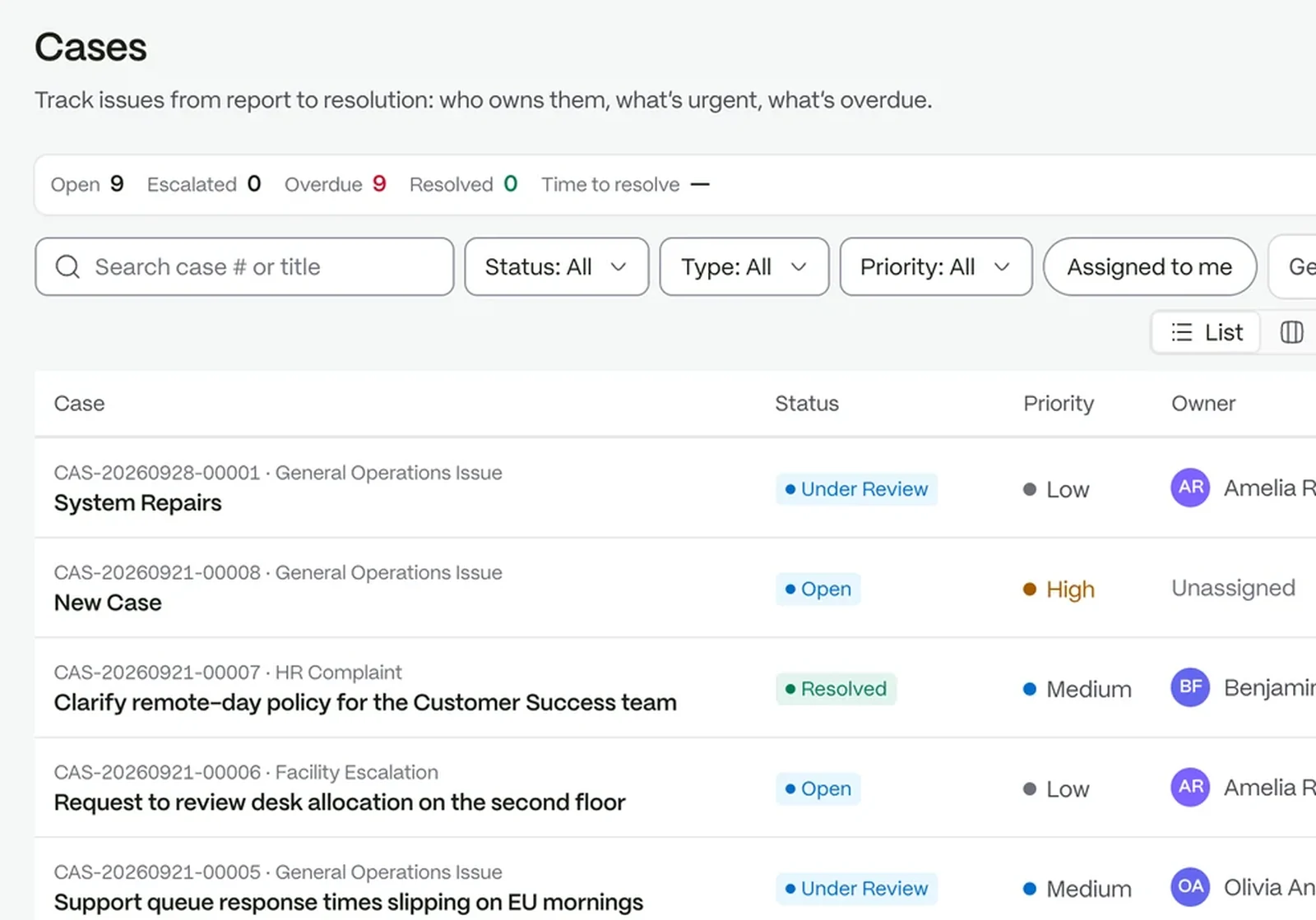
Know how fast each incident needs an answer. Cases carry a reference, five categories and priorities from Low to Emergency, each with a response time.
 Time and attendanceClock-ins become timesheets your managers can approve.Case managementTrack issues from first report to a clear close.
 Requests and approvalsEvery request finds its approver, without anyone chasing it.
 CommunicationAnnouncements, chat and notes that reach the right people.
 Payroll preparationClose each pay period on approved hours, ready for your provider.
Every punch is signed by its device, and one that fails the check is refused.
A clock-in terminal, or an on-prem bridge relaying for one, can post signed punches to an endpoint for that device.
It is logged as unmapped until the device mapping names an employee.
The people connected to it, such as the person who raised it and the assignee, plus admins.
Try it with your own team. Your own company AI comes with every plan.