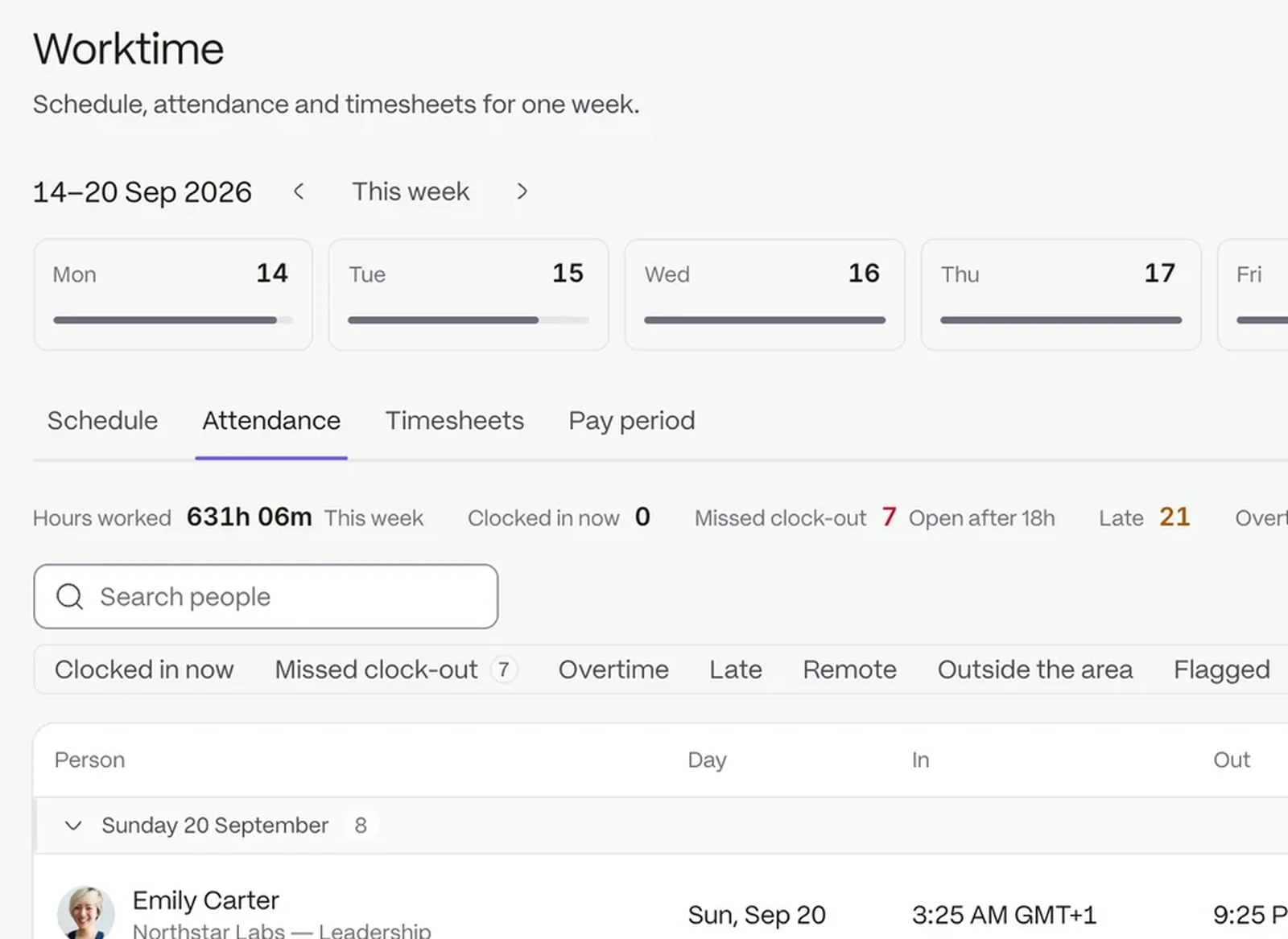
Hours tied to tasks
See where the hours went. Logs total on the page as you filter, and a day that runs past eight hours is called out.
- Filter by date
- Hours sit with the task they belong to
Every plan comes with your own company AI, from day one. See what it does
See where the hours went, get requests in front of the right partner or manager, and keep policies where the team can find them.
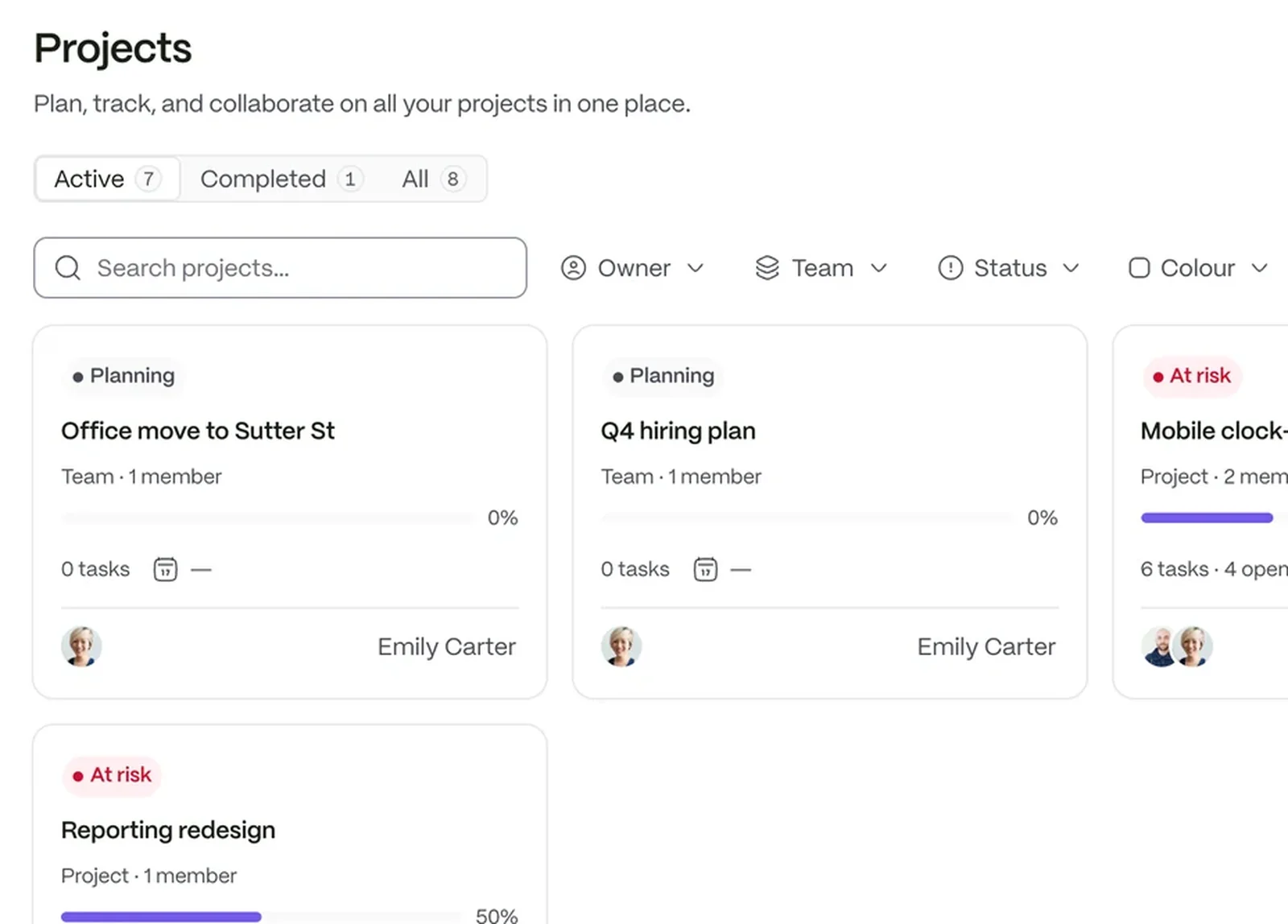
A work log records the hours, the date and what came out of them, attached to a task.
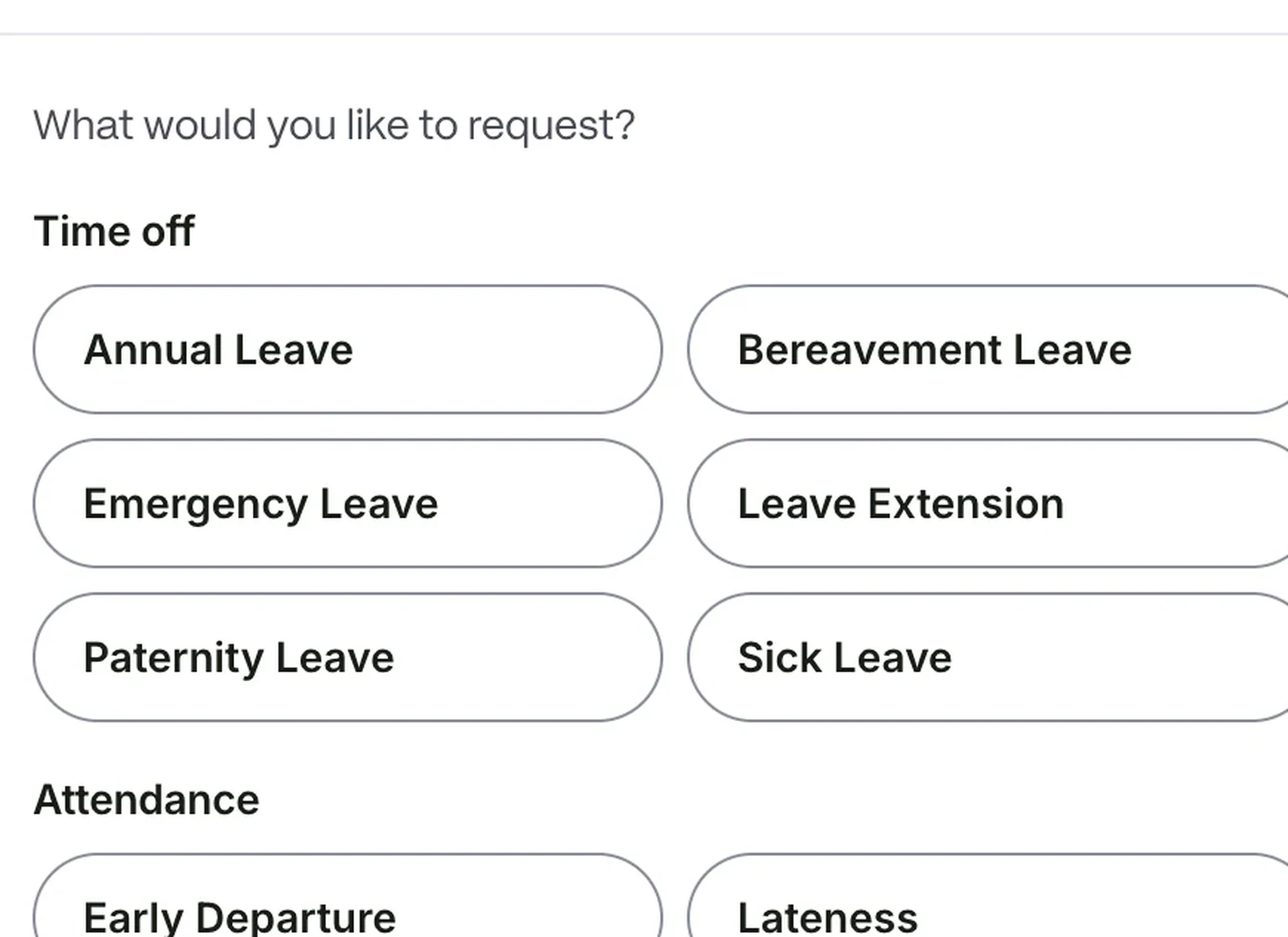
Leave and other requests follow approval steps you set per request type.
Share announcements with a department, office or the whole firm.
See where the hours went. Logs total on the page as you filter, and a day that runs past eight hours is called out.
Collect what you need the way your firm works. Build forms for intake, expenses or internal requests, with pickers that pull from your people, departments and locations.
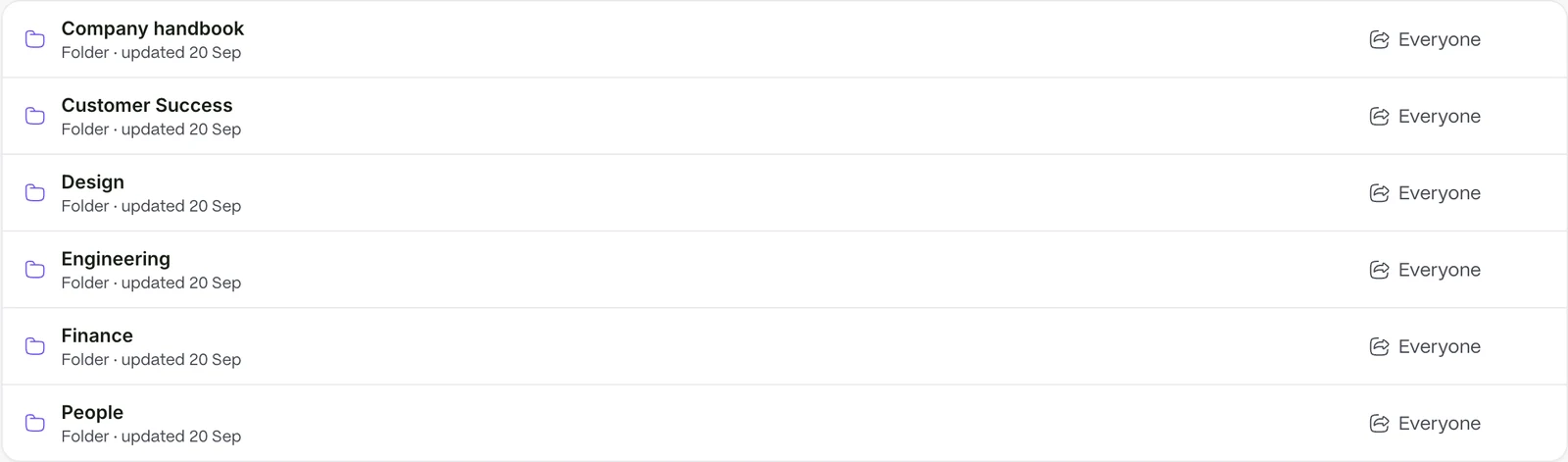
The answer is one question away. Keep handbooks and policies in a library the team can search, and ask your company AI to find the answer.
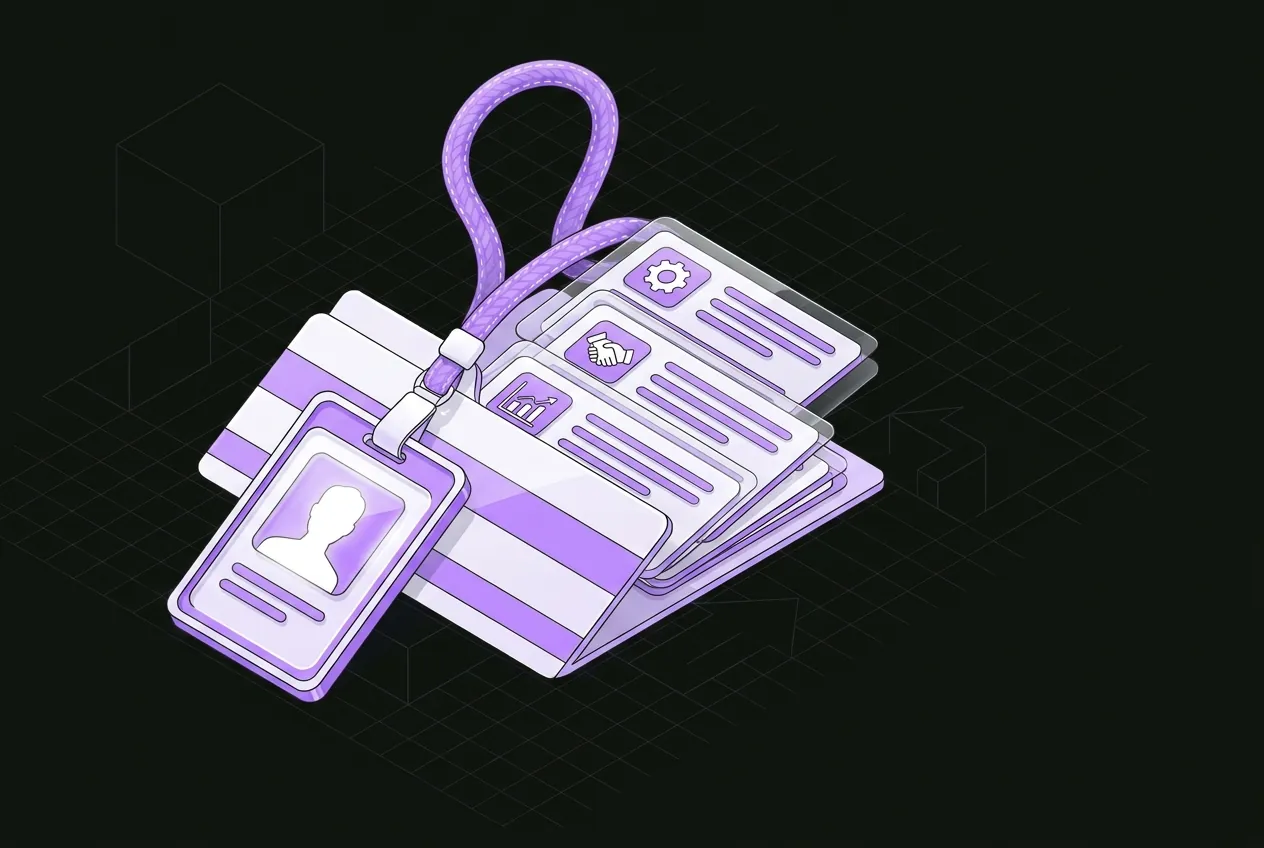 People and recordsOne record for every person, from offer to every change of role.
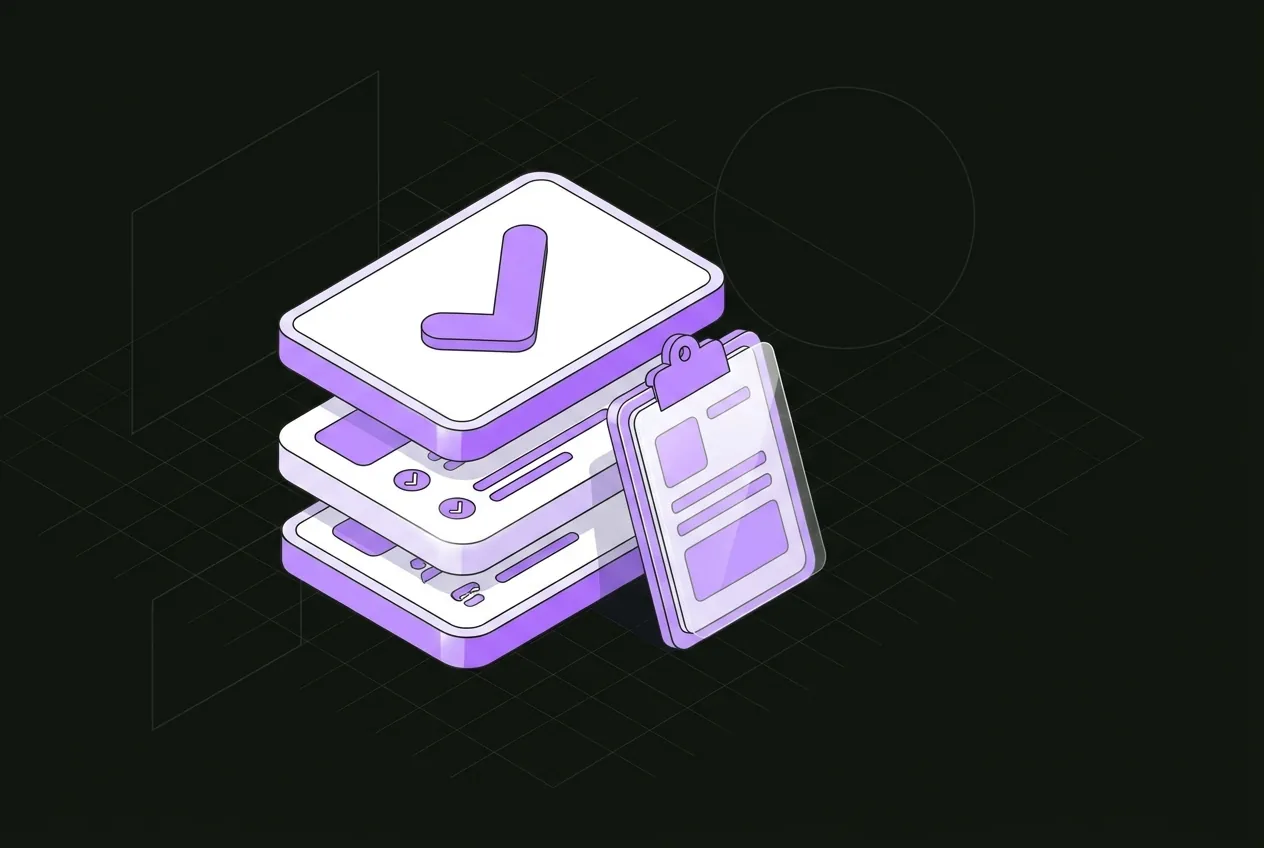 Requests and approvalsEvery request finds its approver, without anyone chasing it.
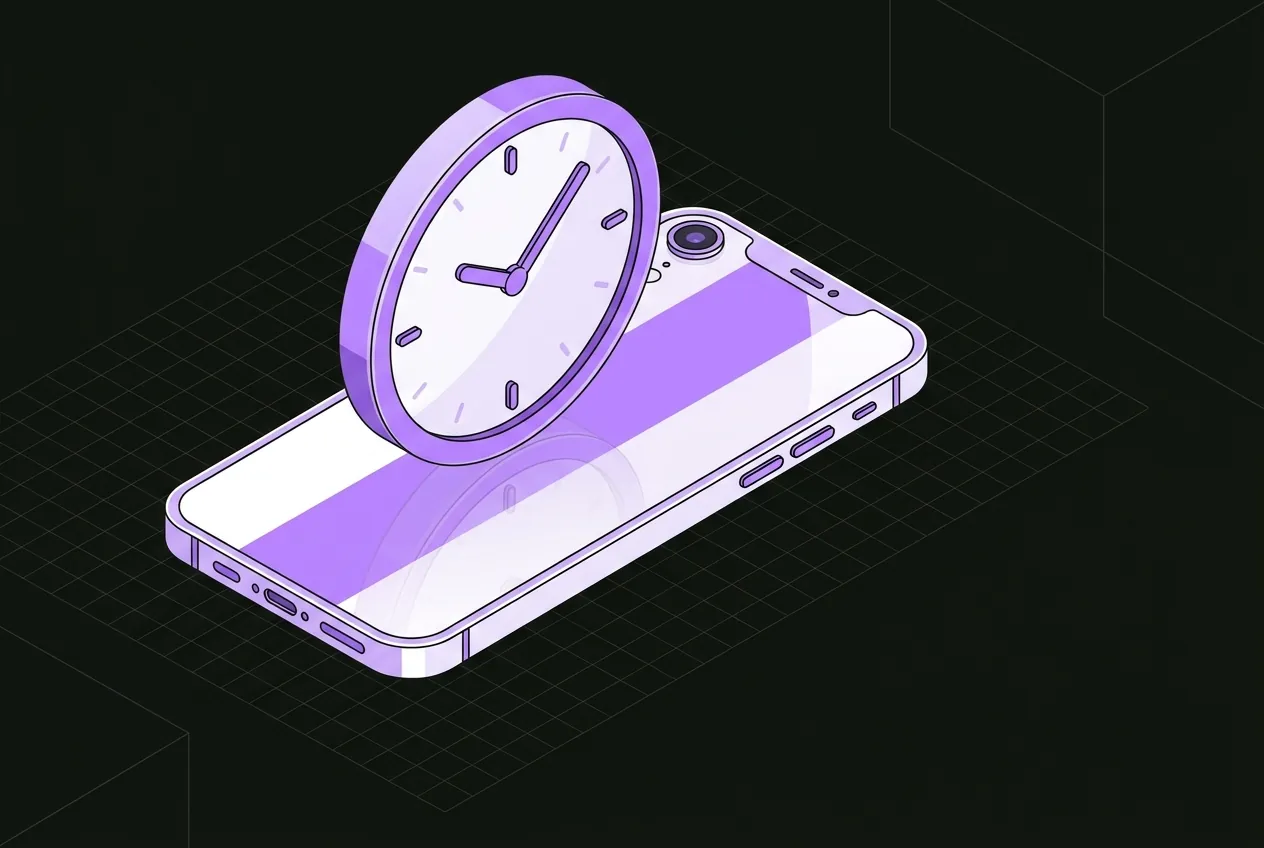 Time and attendanceClock-ins become timesheets your managers can approve.
 CommunicationAnnouncements, chat and notes that reach the right people.
 Company AIAsk your workspace anything. Included in every plan.
Your company AI works from your workspace, not the open internet. It is included in every plan.
No. It records people, hours and requests. It does not produce client invoices.
Yes. The permission someone holds decides which fields they can see or change.
Google Workspace connects per employee for calendar, drive and chat.
Try it with your own team. Your own company AI comes with every plan.