Every plan comes with your own company AI, from day one. See what it does

Hiring to offboarding, in one place

Nothing about a person is scattered. One record sits at the centre, with requests, onboarding and sensitive cases beside it and an owner on each.

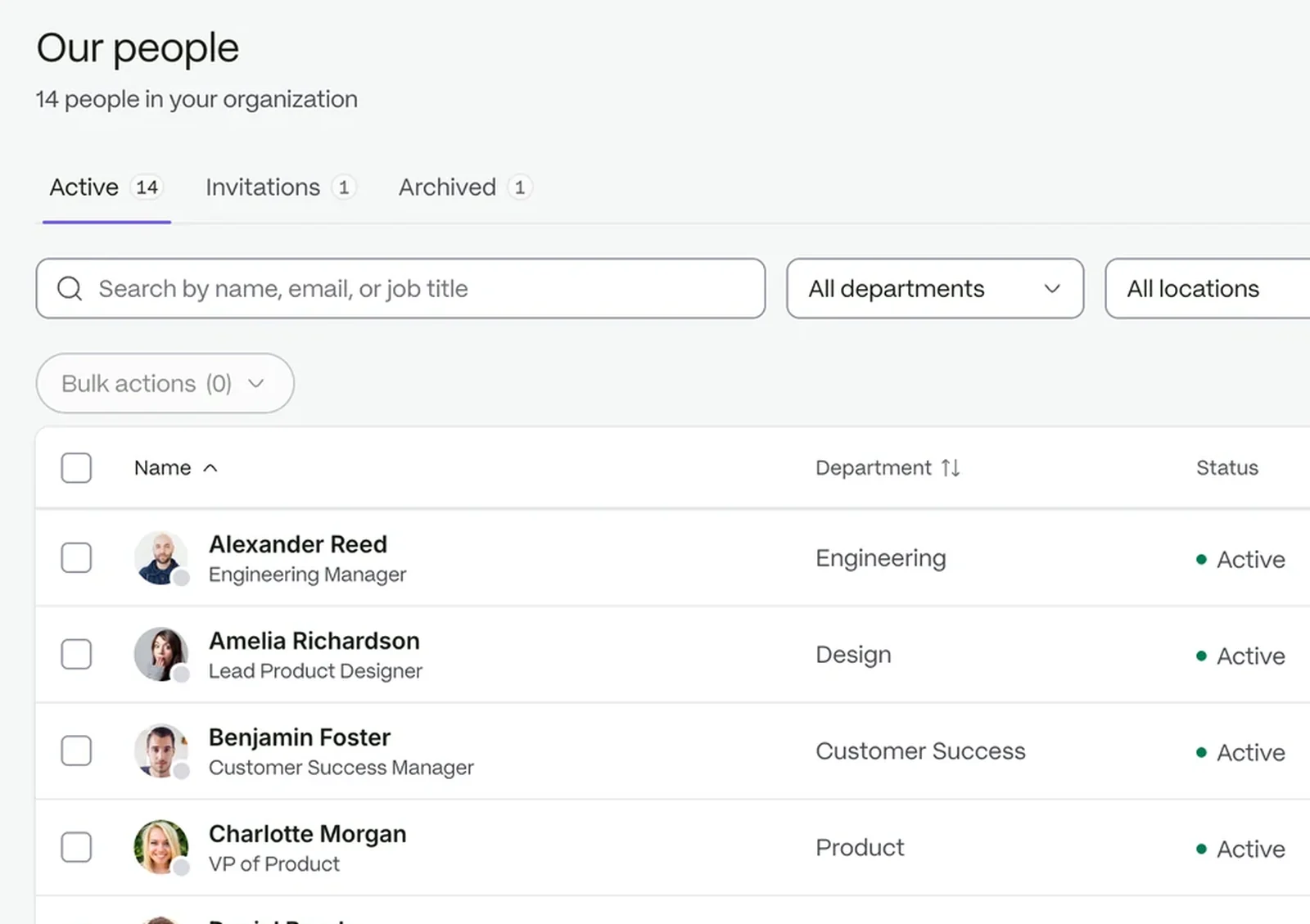
The people directory, searchable by name, email or job title

The whole employee journey, tracked

  1. 01

    Bring people in

    Collect a new hire’s details before day one. Nobody gets a login until you confirm the hire.

  2. 02

    Keep records current

    Role, team and manager changes land on the profile, with documents beside them.

  3. 03

    Handle requests and cases

    Every request and sensitive case has a type, an owner and a trail.

One profile instead of three exports

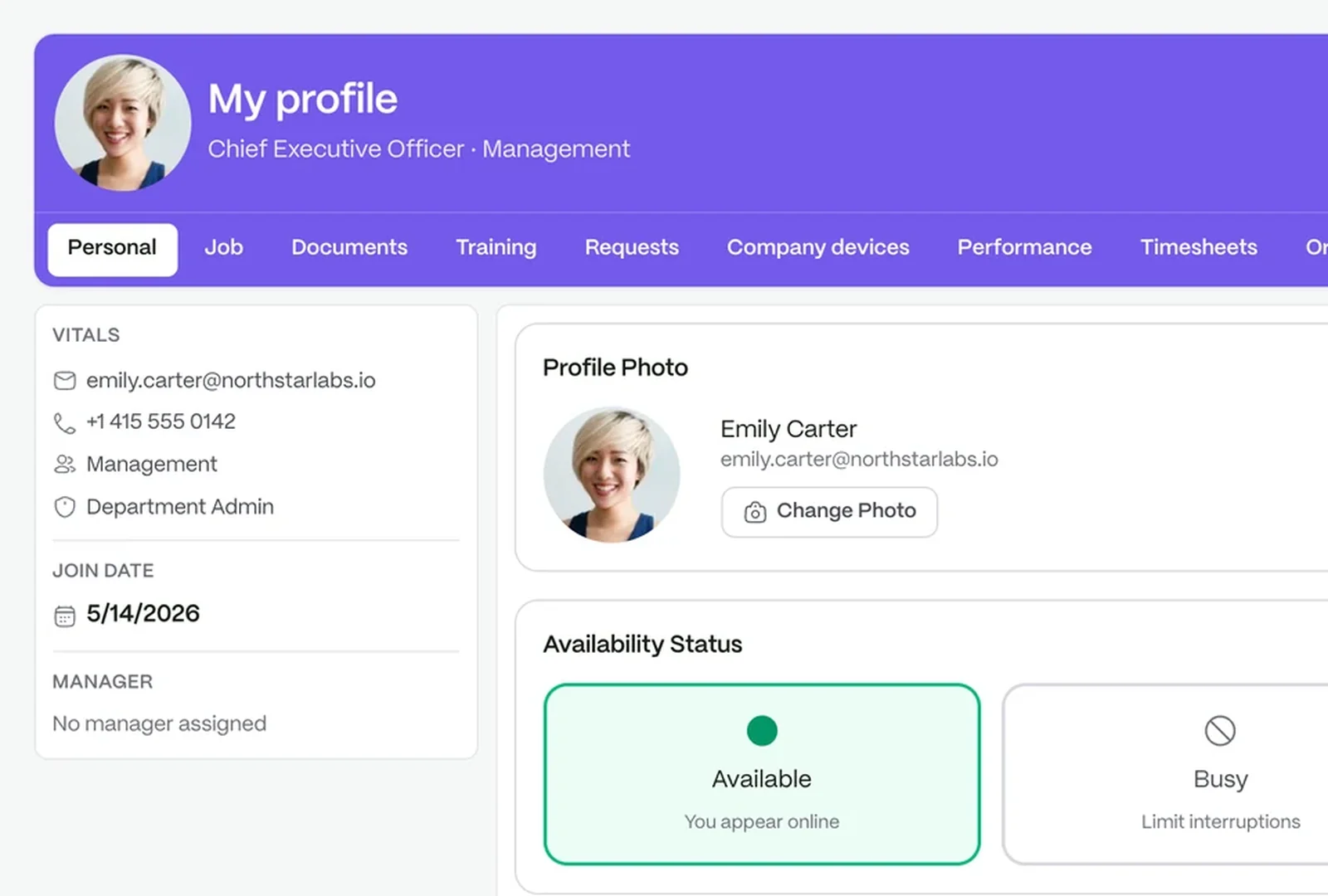
Find anything about a person in one place. Job, start date, manager, contacts and documents live on one profile, with timesheets and requests on the same record.

  • Eleven tabs on your own profile
  • Contracts and files kept with the person
  • Access set by role
See people and records
A person’s record: availability, contact details, documents and job information

Leave decided on the record, not in a chat thread

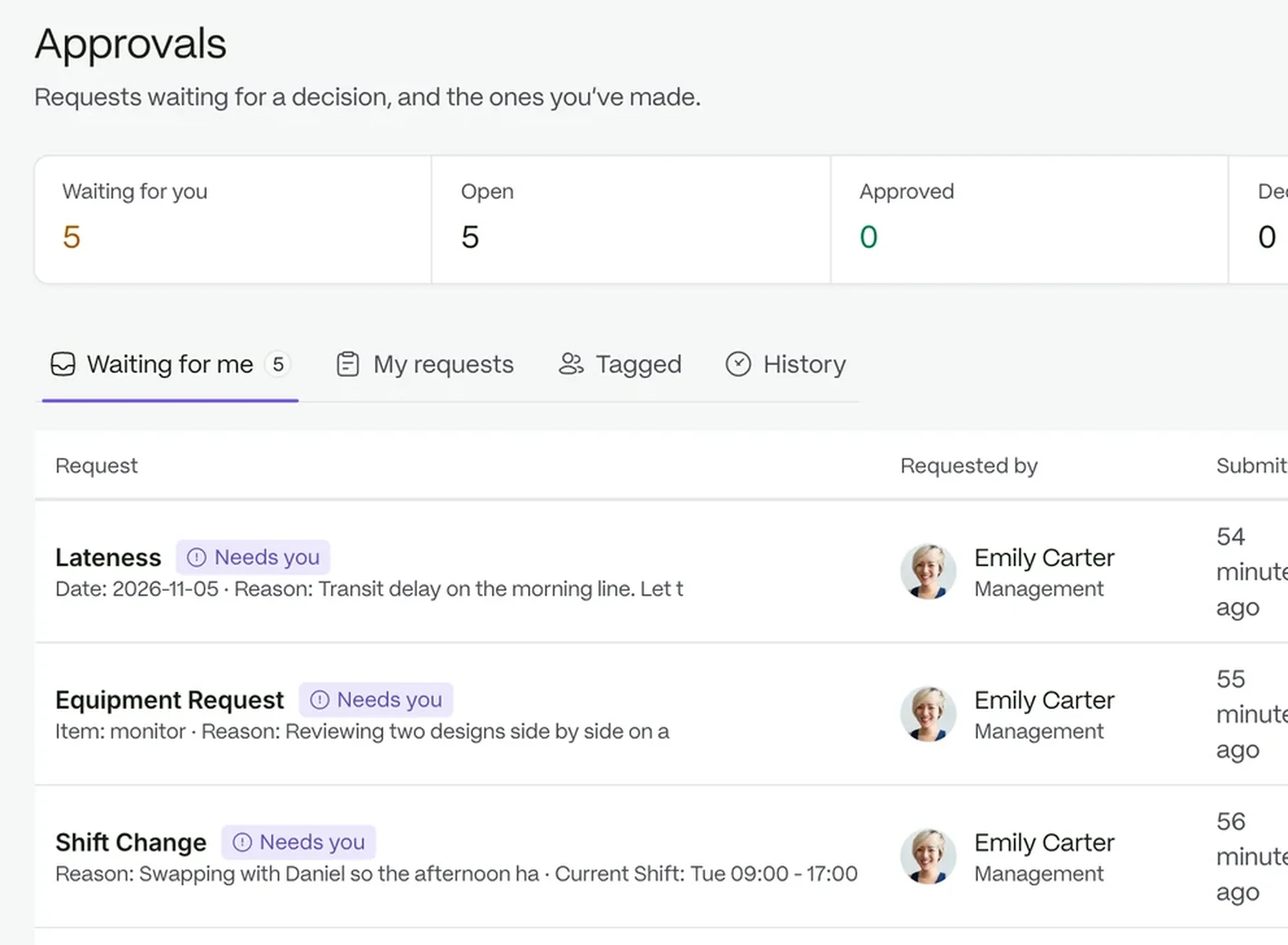
Every request has a type, a queue and its own timeline, so the decision is on file the moment it is made.

  • Ready-made request types for leave, attendance and shifts
  • Staff follow their request to a decision
  • Approve from a phone
See requests and approvals
The approvals queue

A first week that does not depend on memory

Every task names its owner, HR, the manager, IT or the new person, and when it is due. Offboarding waits until company devices come back.

  • See who is joining, who needs attention and who is leaving
  • Due days such as Day 1 and Week 1
  • Access ends in the same step as the exit

Less admin, more time for people

Ask who starts Monday, or what the policy says

Your company AI answers from your own records and documents, inside the permissions each person already has. It is included in every plan.

Questions people ask

Do new hires get access straight away?

No. Filling in an intake only collects their details. Nobody gets a login until you confirm the hire.

Who can see a person’s record?

It depends on the role of the person looking. Access is set by role.

Can we keep cases confidential?

Yes. A confidential case is visible only to the people handling it.

Run people operations in one workspace

Start a free trial, or book a demo and see it with your own setup.